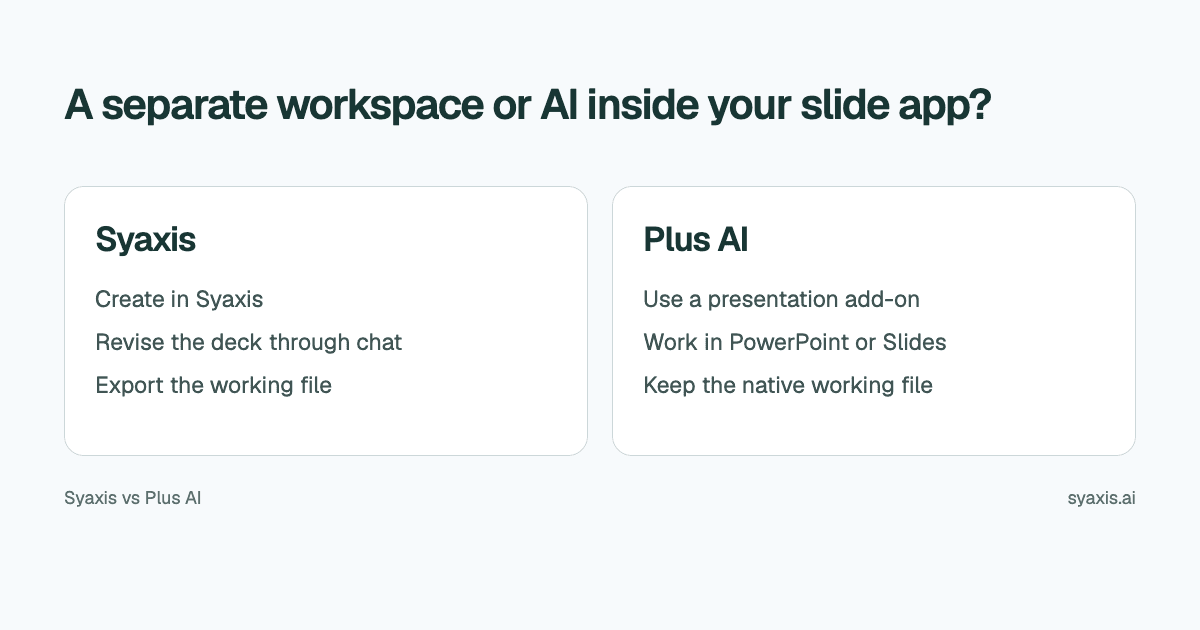
If your team already maintains its presentations in PowerPoint or Google Slides, the location of the working file matters. Plus AI adds generation, rewriting, layout changes and eligible image tools inside those applications. Syaxis provides its own presentation workspace, with built-in research and general-purpose Chat, research and image work in the same subscription.
In Syaxis, a simple brief can start presentation creation directly; research and content preparation happen within that workflow. Chat is optional preparation when you want to examine sources and shape the material yourself.
Choose Syaxis when you want one service for everyday AI conversations, research, images and deck creation. Choose Plus AI when the requirement is AI assistance inside PowerPoint or Google Slides, especially when templates and team review already depend on those apps. The clearest difference is where the working presentation lives.
Written by Syaxis from product documentation reviewed on October 9, 2026.
One Syaxis subscription covers everyday AI Chat, research, images and presentations, within plan allowances.
Syaxis supports general-purpose Chat and image editing outside a deck. Plus AI also generates images, within its presentation workflow and eligible plans.
Plus AI advertises a seven-day trial. Syaxis Free is a limited recurring allowance, with branded exports.
The practical differences
Plus AI's pricing and product information confirms access in both PowerPoint and Google Slides and describes its trial. Syaxis's plans cover its own presentation and Chat capabilities.
| Requirement | Syaxis | Plus AI |
|---|---|---|
| Where you create | Syaxis workspace | PowerPoint or Google Slides with Plus AI |
| Source inputs | Brief, notes and uploaded source files; optional preparation in Chat | Prompt input; PDF, DOCX and TXT uploads on Pro and above |
| Revisions | Revise the saved deck through conversation and edit slide text directly | Rewrite slide text and remix slide layouts inside the app |
| Working copy after creation | Saved Syaxis deck; export PPTX to continue in another editor | Native PowerPoint or Google Slides presentation |
| Images | Generate and edit images through feedback in Chat, including uploaded images | Image generation on Pro and above; advanced image models on Team and above |
| Other AI work | Presentations, everyday Chat, research, image generation and editing | Slide generation, rewriting, layout changes and image generation within supported applications |
| Free evaluation | Recurring limited Free allowance; branded exports | Seven-day trial with stated conditions |
Start with the required editing environment
A presentation requirement can include more than a file extension. A consulting team may need a specific PowerPoint template and an approval workflow already attached to it. A department using Google Slides may expect comments and revisions in the shared document rather than in email attachments.
Plus AI’s plan details distinguish custom branding on Team from use of an organization’s actual slide masters through its Enterprise template service. A matching logo and colors are not the same requirement as preserving a mandated PowerPoint template.
For an independent author, the application boundary can matter less. If you create the deck, make revisions yourself and send a final deliverable, using Syaxis and exporting when ready may fit naturally. Identify who makes the next edit before assuming either approach is more convenient.
An add-on introduces an access question
Before selecting Plus AI, confirm that you can install and use it in the relevant account. An organization may control extensions or third-party connections even when an individual can open PowerPoint or Slides. Do not promise a client a workflow that their IT settings will prevent.
Syaxis runs as its own workspace, so it does not require a slide-editor add-on for its creation flow. That does not bypass an organization's policies about uploading material to an external service. Check whether the source documents are appropriate to use in the selected tool.
| Person | Resolve before starting |
|---|---|
| Author | Can use the selected workspace or install the permitted add-on |
| Source owner | Has approved use of the supplied material |
| Reviewer | Can access the intended working copy |
| Recipient | Has the software and format needed for the next edit |
Prepare the source for the story you need
Imagine an illustrative annual operating plan that must become a ten-minute leadership update. The document contains background, targets, proposed initiatives and unresolved staffing dependencies. Copying all the headings into slides would hide the actual decision.
Use a brief that specifies: ‘Open with the initiatives that require approval. Separate committed targets from proposals. Preserve the staffing dependencies and identify the owner of each next step. Leave supporting detail out of the main story unless it changes the decision.’ This is an editorial example, not a claim about an observed tool result.
In Syaxis, supply that brief and the relevant source material. The creation process includes research, but outside context should not override approved internal facts. For a document-focused task, the PDF-to-PowerPoint guide explains the difference between reorganizing information and reproducing pages.
Keep the working copy clear during revisions
Syaxis allows a revision request against the saved presentation. That fits an author who wants to change the order, audience or explanation without rebuilding the deck from scratch. Use direct text edits for exact wording that should not be reinterpreted.
Plus AI lists Rewrite for content changes and Remix for layout changes in its product plans. For the operating plan, shortening a paragraph and turning it into a comparison layout are different actions. The result remains in the presentation application where the team will maintain it.
When using Syaxis before a file handoff, agree when the PowerPoint export becomes the authoritative copy. Do not assume that later edits in PowerPoint synchronize back to Syaxis. Conversely, if your process stays inside the native app, keep the final review in that same file rather than creating unnecessary duplicate versions.
Optional: investigate the operating plan yourself before generation
If you want to shape the content yourself before generation, Chat provides an optional preparation step. An operating-plan document may leave questions unanswered: which initiatives depend on hiring, which assumptions come from public market data, and which targets are already approved? In Syaxis Chat, work through the supplied plan and research public sources before deciding what the leadership deck should recommend.
You can generate or edit an illustrative image in Syaxis Chat and request the deck from the same conversation. Open the saved presentation for slide revisions. Plus AI also generates images on Pro and above, with advanced image models on Team and above. Compare independent image work and follow-up editing in Chat with creating visuals inside the presentation application; do not treat image generation as exclusive to Syaxis.
For an author who also uses AI to research and create images between presentation tasks, Syaxis’s broader Chat capability contributes to the subscription’s value. For a team whose only problem is drafting and editing slides in a mandated app, Plus AI addresses that narrower need directly.
Compare an AI slide add-on with a broader AI subscription
Syaxis is also useful when the task has nothing to do with slides: draft an email, explain an unfamiliar topic, research a decision or create an image through Chat. General-purpose Chat, research, images and presentation creation share one Syaxis subscription. If it covers that workload, you can avoid maintaining separate subscriptions for the chatbot, image tool, research service and presentation maker.
Plus AI’s pricing lists document uploads and image generation on Pro and above. Its seven-day trial includes 1,000 credits, requires a card and converts to a paid subscription unless canceled. Select the plan that includes the source-input and template features you need before starting the trial.
Syaxis Free includes a limited presentation allowance and credits, with branded exports. Paid plans retain usage limits; Basic and above unlock model selection in Chat. Check the current Syaxis plans for the work you expect to do rather than comparing only the smallest monthly price.
Include existing software in the calculation. If PowerPoint access is already provided by your employer, it may not be an additional cost to you. If you also want Chat and image generation in Syaxis, count their usefulness separately from the slide task. One credit in one service should not be assumed equivalent to a credit in another.
When to choose each approach
Choose Syaxis to turn an operating-plan brief into a researched deck and revise it in a dedicated workspace. Use Chat first if you want to examine the plan or develop images yourself. Choose Plus AI when maintaining the presentation inside PowerPoint or Google Slides is the central requirement and the add-on is permitted.
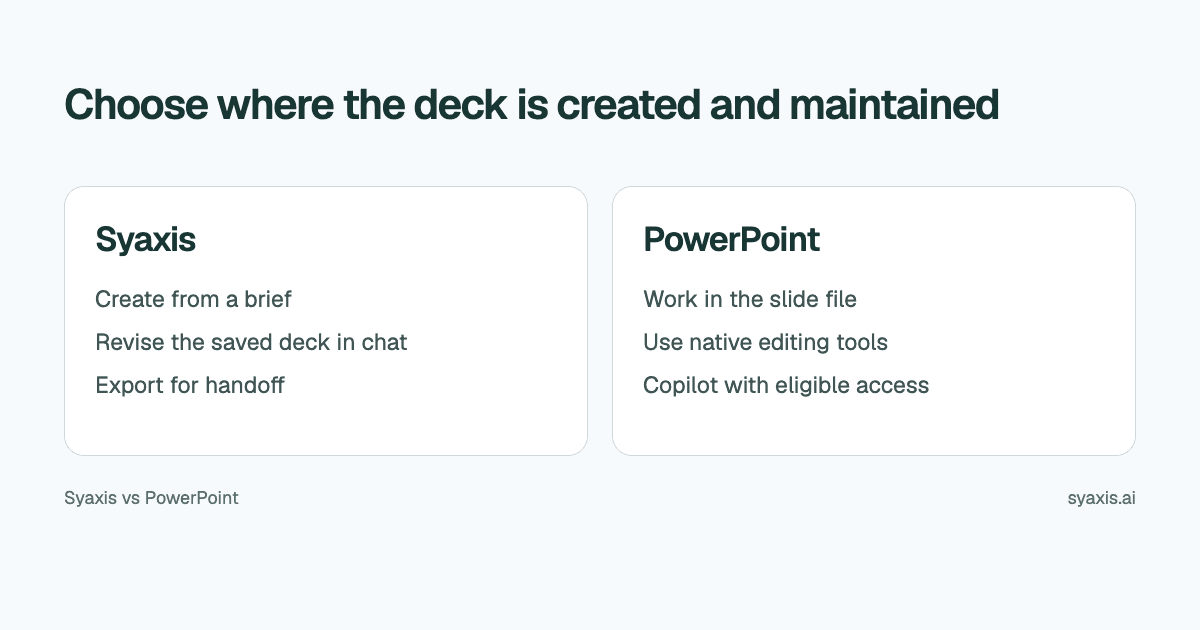
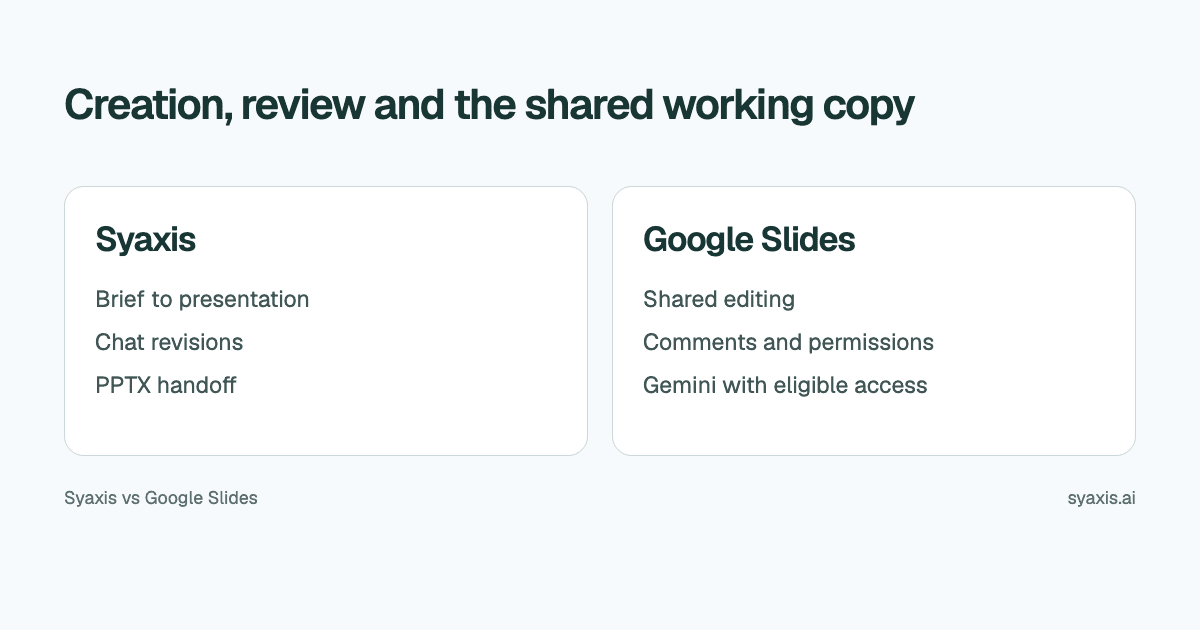
If you are undecided about the underlying application itself, read Syaxis vs PowerPoint or Syaxis vs Google Slides. The best decision may be to improve the environment you already have rather than add another handoff.
FAQ
Does Plus AI work with both PowerPoint and Google Slides?
Its current product and pricing information includes both. Check the installation and account requirements for the environment you plan to use.
Which Plus AI plan includes document uploads?
The pricing reviewed on October 8 lists PDF, DOCX and TXT uploads on Pro and above. Basic includes presentation generation and AI editing, so being able to generate slides does not by itself establish document-upload access.
Does Syaxis require a PowerPoint add-on?
No. Syaxis provides its own creation and revision workspace and exports presentation files. If the recipient will edit in PowerPoint, that happens in their chosen software after handoff.
Choose Syaxis for presentation creation from a brief with built-in research, plus optional Chat preparation and image work in the same subscription. Choose Plus AI for AI drafting and editing inside the PowerPoint or Google Slides file your team already maintains. Check template requirements before introducing a file handoff.
How we prepare our guides
Syaxis uses AI to assist with drafting and translation. Comparisons draw on linked sources; they are not hands-on tests unless a test method is described. Worked examples are illustrative unless identified otherwise.
Create a presentation
Turn your source material into a presentation, then refine the deck through chat.