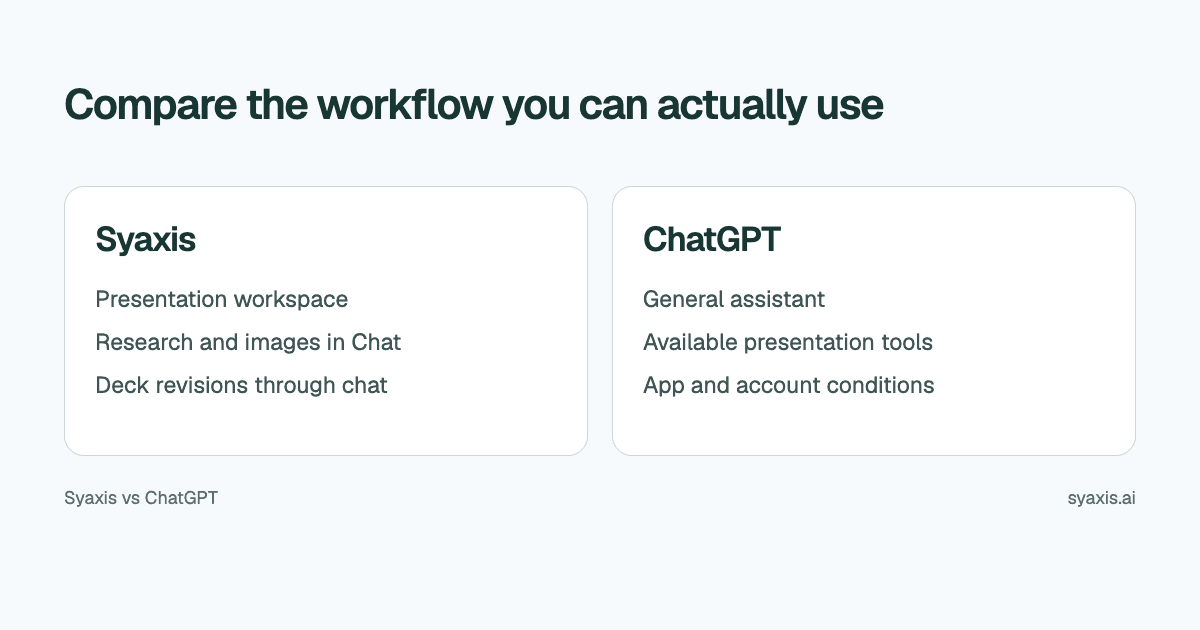
ChatGPT and Syaxis both support everyday AI conversations, research, image generation and editing, and presentation creation. The practical choice is the working environment: Syaxis keeps a saved deck in its own presentation workspace, while ChatGPT’s documented presentation workflows use available file tools, Google Slides connections or a PowerPoint add-in.
In Syaxis, a simple brief can start presentation creation directly; research and content preparation happen within that workflow. Chat is optional preparation when you want to examine sources and shape the material yourself.
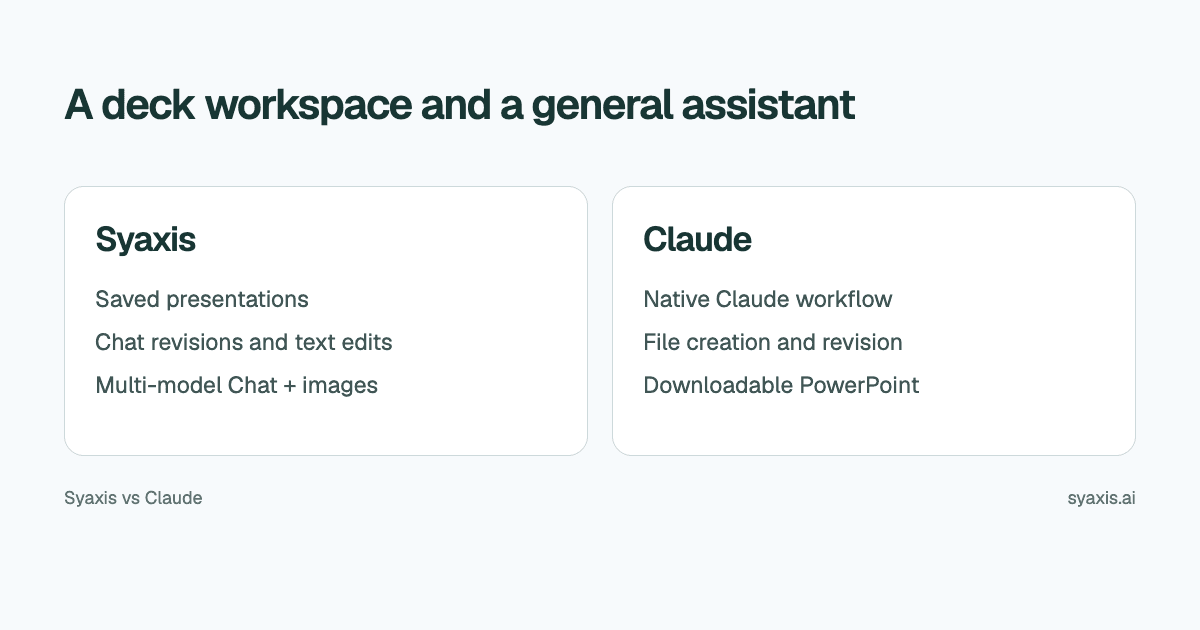
Choose Syaxis when you want presentations maintained in a dedicated workspace alongside Chat with supported models from multiple providers on paid plans. Choose ChatGPT when its native tools, connections and broader work environment are central to your tasks. Research, images and conversational creation overlap; the distinction is the workspace and model access, not exclusive access to those capabilities.
Written by Syaxis from product documentation reviewed on October 9, 2026.
One Syaxis subscription covers everyday AI Chat, research, images and presentations, within plan allowances.
Syaxis pairs a dedicated deck workspace with multi-provider model choice in paid Chat plans; ChatGPT supplies its native tools and connected workflows.
Syaxis model access is not a ChatGPT subscription or a guarantee of identical tools.
Syaxis and ChatGPT at a glance
OpenAI’s presentation workflow guide distinguishes desktop presentation tools, connected Google Slides and a PowerPoint add-in. This comparison names those surfaces rather than treating a basic outline response as all of ChatGPT.
OpenAI’s web workflow guide also describes research and file creation. The use-case catalogue includes image work. Syaxis does not have an exclusive claim to combining these tasks.
| Decision | Syaxis | ChatGPT |
|---|---|---|
| Presentation workflow | Brief → built-in research and content preparation → slides | Desktop presentation tools, connected Slides or the PowerPoint add-in |
| Inputs | A simple brief is enough; optionally add notes or files, or curate the content in Chat first | Instructions, sources and available connections |
| Research | Built-in research during presentation creation; web search, source reading and uploaded-file analysis in Chat | Research and source synthesis in ChatGPT Work |
| Revisions | Revise the saved deck through conversation and edit slide text directly | File or presentation changes through the available tools |
| Outputs | Editable PowerPoint (.pptx), PDF reading copies and PNG slide images | PowerPoint files; native Google Slides through the documented connection |
| Images | Generate images from a prompt and edit them with follow-up feedback in Chat; uploaded images can also be edited | Image generation and editing in ChatGPT |
| Everyday Chat and models | General-purpose Chat; supported models from multiple providers on Basic and above; Free uses Auto | Capabilities of the native ChatGPT account |
Which ChatGPT presentation workflow are you comparing?
OpenAI’s guide describes using @Presentations in the desktop app, connecting Google Drive for native Slides work, or using ChatGPT for PowerPoint inside an open presentation. Access varies by plan, workspace and enabled tools.
These lead to different working copies: a generated file, a connected Google presentation, or the PowerPoint file already open. Syaxis instead keeps the deck in its own presentation workspace until export. Choose based on where you want to make the next revision.
An OpenAI model in Syaxis Chat does not include those native ChatGPT integrations or a ChatGPT subscription. Syaxis provides its own tools, presentation workflow and usage allowances.
An executive update needs a decision, not just a summary
Consider an illustrative founder update built from meeting notes, customer feedback and a budget memo. The reader wants to know what changed, what it means and whether a decision is needed. Summarizing each source in order can produce a long deck with no clear request.
A stronger brief is: ‘Create a concise executive update. Open with the decision needed this week. Use approved numbers from the budget memo. Separate customer observations from hypotheses. Include the main risk and the next owner. Do not invent a result for work still in progress.’
This gives either workflow a useful task. In Syaxis, attach the source material to the presentation brief and review the resulting deck. Built-in research can add context, but the internal memo should remain the authority for internal figures. The executive summary guide explains how to make the opening useful on its own.
Where Syaxis keeps your presentation work
After the founder review, the same update may need to go to a customer advisory group. The facts stay mostly the same, but the framing changes. Remove internal budget detail, preserve the approved product status and explain the effect on customers.
Syaxis supports making that request against the saved presentation. Direct text editing is available for precise wording. The benefit to evaluate is whether you prefer developing and revising a deck in that workspace, not whether conversational instructions exist only in Syaxis.
In ChatGPT, use the presentation or file tools actually available in your account to request a comparable change. For either product, inspect the result for accidental disclosure, missing qualifiers and newly invented assertions. Changing the audience does not authorize changing the underlying facts.
Research and images are shared capabilities; model access differs
If you want to shape the content yourself before generation, Chat provides an optional preparation step. For the founder update, Syaxis Chat can examine uploaded notes and research public sources before you decide what goes into the deck. You can ask it to generate or edit an illustrative image, then request a presentation from the same conversation. Open that presentation’s workspace to revise its slides. Separate conversations and every generated image are not automatically included in a new deck.
Basic and above allow you to choose supported Chat models from multiple providers; Free uses Auto. Syaxis supplies the research, image and presentation tools around those models. Choosing a Chat model does not select every model used in deck or image generation, and it does not include native ChatGPT, Claude or other provider subscriptions.
ChatGPT also supports research, image work and presentations in its own application. If your workflow depends on its connections, presentation skills or work inside PowerPoint, that integration may matter more than Syaxis’s model choices. The multi-model Chat guide explains when a cross-provider Chat workspace is useful.
Decide what happens after the download
Syaxis provides PowerPoint, PDF and PNG export. Choose based on the next task: PowerPoint for continued editing, PDF for a fixed reading copy, and PNG when slides need to be used as images. Check the recipient's application and the specific slide elements they will change.
When using ChatGPT, decide whether the deliverable is a generated PowerPoint file or a presentation updated in a connected application. For the founder update, establish which copy the next reviewer receives so that internal and customer versions do not get mixed together.
For the executive update, make sure the opening remains understandable without narration, the date is correct and the risk is visible in the exported copy. Our ChatGPT PowerPoint guide covers creating the deliverable rather than choosing between subscriptions.
Can one subscription cover your everyday AI work?
Syaxis is intended for everyday AI use as well as presentations. Use Chat for writing, explanations, planning, brainstorming and questions with no deck attached; research topics or generate and edit images there too. The same subscription includes presentation creation. If those capabilities meet your requirements, Syaxis can replace separate subscriptions for AI chat, research, images and slides.
Syaxis pricing includes plan-specific presentation allowances and credits. Free exports carry branding, and paid model selection applies to Chat. A Syaxis subscription provides its own tools and limits; it does not include unlimited ChatGPT access or native provider subscriptions.
Choose Syaxis when you want supported models from multiple providers and its Chat, research, image and presentation tools under one subscription. Choose ChatGPT when its native tools or connections are essential to your work. Neither purchase is determined by slides alone; compare the full set of tasks you need the subscription to cover.
FAQ
Can ChatGPT make a PowerPoint presentation?
Yes. OpenAI documents PowerPoint creation through its desktop presentation workflow and an add-in for working inside PowerPoint. The available tools depend on the account and workspace; a text outline is only one possible use of ChatGPT.
Does using an OpenAI model in Syaxis include ChatGPT Plus?
No. Syaxis provides access through its own service and plan limits. It does not supply a native ChatGPT subscription or all of ChatGPT’s features.
Why use Syaxis if I already have ChatGPT?
Syaxis combines everyday AI Chat, research, image generation and editing, and a dedicated presentation workspace in one subscription. Paid Chat plans let you choose supported models from multiple providers. It can replace separate subscriptions for these tasks if it covers your needs; it does not include a native ChatGPT subscription or every ChatGPT integration.
Can I use a ChatGPT outline as a Syaxis brief?
You can bring approved text into your brief. Review the outline and its sources first; a polished summary should not introduce unsupported facts into the presentation.
The reason to choose Syaxis is its presentation workspace together with research, images and multi-model Chat—not a claim that ChatGPT cannot create slides. Choose ChatGPT if its native application and connections better fit the rest of your work. For either option, decide where the next revision will happen before distributing the deck.
How we prepare our guides
Syaxis uses AI to assist with drafting and translation. Comparisons draw on linked sources; they are not hands-on tests unless a test method is described. Worked examples are illustrative unless identified otherwise.
Create a presentation
Turn your source material into a presentation, then refine the deck through chat.