Gamma pricing is a combination of the subscription, the number of paid users and the AI usage your work requires. Start with the feature you need, then compare the amount charged at checkout—not just the monthly equivalent displayed beside an annual plan.
This guide explains the plan decisions using Gamma’s public documentation checked on 24 September 2026. Open the live Gamma pricing page for the current currency-specific paid rates.
Choose the least expensive plan that meets a specific requirement.
An annual monthly equivalent is not a monthly payment.
Compare credits, paid users and useful finished decks separately.
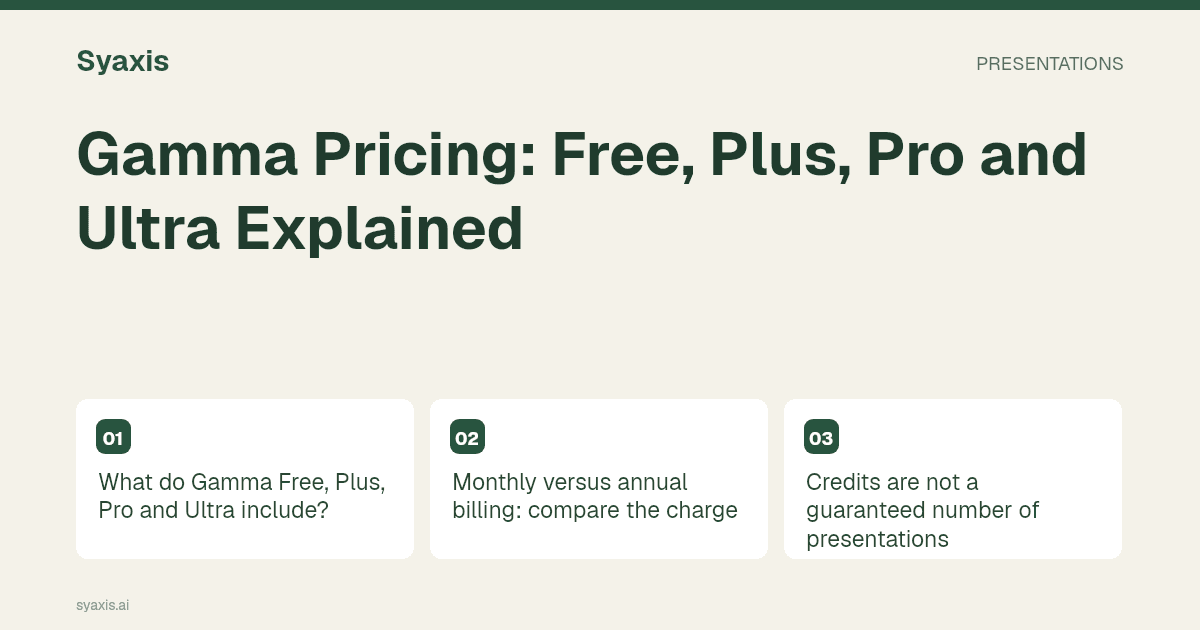
What do Gamma Free, Plus, Pro and Ultra include?
The official plan comparison separates the individual Free, Plus, Pro and Ultra tiers. Gamma also describes Business subscriptions; an organization buying administration features should compare that offering separately.
The table summarizes the decision points, not every entitlement. Confirm the live plan details before paying, especially where a feature is the reason for upgrading.
| Plan | Published distinction | A useful buying question |
|---|---|---|
| Free | Basic creation; Gamma’s help says free AI credits do not refresh | Can I evaluate a representative deck before paying? |
| Plus | Removes Gamma branding and adds paid AI usage | Is branding removal the main unmet requirement? |
| Pro | Adds capabilities such as API access and detailed analytics | Will I actually use these features? |
| Ultra | Provides a larger usage allowance and access to more advanced models | Does measured usage justify the higher tier? |
Monthly versus annual billing: compare the charge
Gamma’s subscription help explains that the annual tab can show an effective monthly per-user amount while the year is paid upfront. It also explains that paid subscriptions are per user. Do not multiply a monthly-looking figure by the number of people and assume that is the first invoice.
Write down the billing period, payable amount, currency, number of paid users and any taxes shown at checkout. If the annual effective monthly rate is R and you need N paid users, the subscription component of the annual commitment is 12 × R × N. This is a calculation method, not a quoted Gamma price.
For seasonal work, compare the annual commitment with the months you expect to need a paid plan. A lower effective monthly rate does not automatically mean a smaller total expense for a short project.
Credits are not a guaranteed number of presentations
Gamma’s subscription documentation distinguishes free credits, recurring paid allowances and additional purchased credits. Check the current reset and rollover rules in that documentation rather than assuming every balance behaves the same way.
For your own evaluation, record the balance before starting a representative task and after the draft and revisions. Include image generation and the changes needed to reach a usable result. One unusually easy prompt is a poor basis for estimating a month of work.
Keep subscription spend and editing time separate. A subscription may fit the budget while the receiving team still spends time adjusting the exported file. That is a workflow cost you can measure without inventing a universal cost per slide.
A pricing worksheet for a small presentation team
Consider a fictional agency with two people making client decks and several colleagues reviewing them. First determine which people need paid seats for the intended workflow. Do not assume that every viewer needs a paid authoring subscription, or that one paid account can simply be shared.
Use the same source packet and expected deliverable for each tool you evaluate. Record the plan, paid-user count, bill due now, renewal period, usage consumed and revisions required. The final column should say whether the client can use the delivered file.
| Field | What to record |
|---|---|
| Subscription | Plan, currency, paid users and billing interval |
| Usage | Allowance, consumption and any extra-credit purchases |
| Handoff | File format, branding and recipient editing needs |
| Decision | Unmet requirement that would justify upgrading |
When a Gamma alternative is the better comparison
If the problem is the required final editing environment, a higher Gamma tier may not resolve it. Compare a browser workspace with a PowerPoint or Google Slides workflow in the Gamma alternatives guide.
Syaxis combines presentation creation and revisions through chat with multi-model chat access on eligible plans. Compare the actual Syaxis plan limits against your work. Different credit systems are not interchangeable, and a subscription does not include the native subscriptions of the model providers.
This is a plan-selection guide, not a hands-on quality ranking. For a Gamma review, the most useful evidence is the result of your own brief, one realistic revision and the file you intend to share.
FAQ
Is Gamma free?
Gamma lists a Free plan. Its help documentation says free AI credits do not refresh. Check the current allowance and feature restrictions before relying on it for recurring work.
Does an annual price mean I pay that amount every month?
Not necessarily. Gamma explains that its annual tab may show the monthly equivalent of an upfront annual payment. Read the checkout total and billing interval.
For the related workflow and its specific requirements, see Gamma Alternatives for AI Presentations.
A clearer brief. A stronger presentation.
Bring your thinking into Syaxis and give it a story, a structure and a set of slides worth sharing.