Microsoft Copilot and ChatGPT should be compared in the context of the apps you use. Copilot inside PowerPoint is a different workflow from a general chat session, and ChatGPT also has documented presentation capabilities.
Choose the product surface before comparing model names.
Use identical source material and a repeatable revision.
Inspect evidence, output format, limits and data settings.
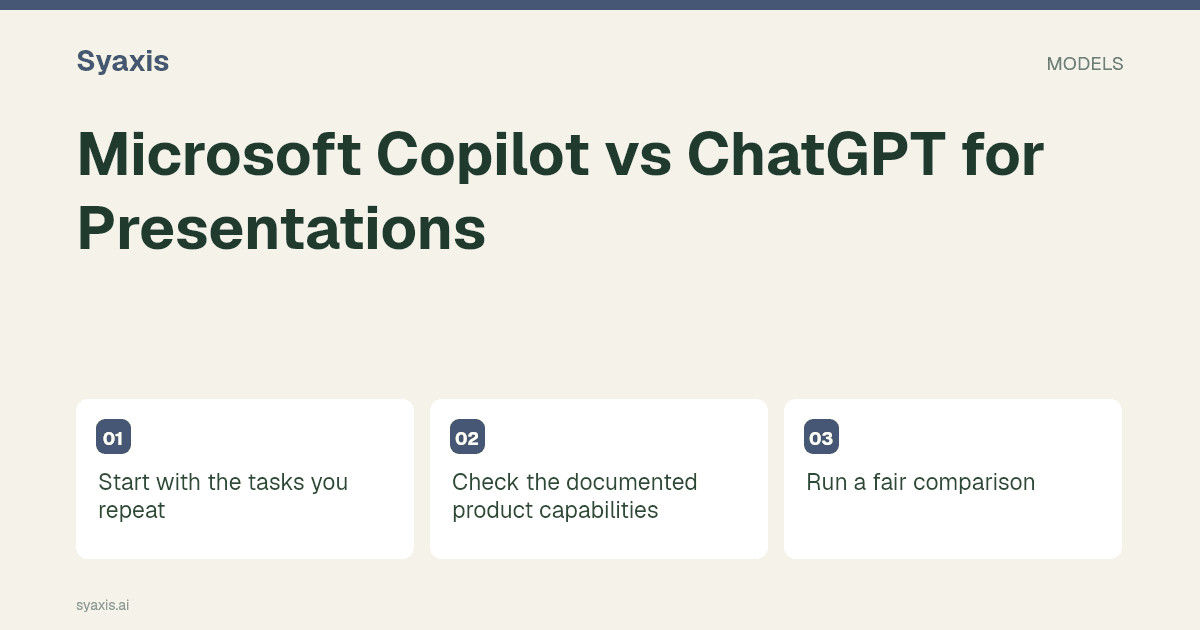
Start with the tasks you repeat
If your team works in managed Microsoft 365 accounts, check administrator permissions and the exact Copilot entitlement. Compare that with the ChatGPT surface and account you intend to use. A familiar app can reduce switching, but it does not guarantee a correct deck.
Check the documented product capabilities
Review Microsoft Copilot documentation and ChatGPT documentation for the workflow you need. Features and entitlements can change; confirm availability in your own account before buying.
Do not describe ChatGPT as incapable of real presentation work or assume every Microsoft account has the same Copilot features. Current access and the specific creation surface determine the available workflow.
Run a fair comparison
Use an approved presentation template and a short memo. Ask for a first draft, then add a risk slide and correct a figure. Inspect the result in PowerPoint and check what the recipient can edit.
An existing PowerPoint file changes the decision
Microsoft documents adding a slide from a reference file in PowerPoint. This is relevant when the team already has an approved deck and needs a new section. Confirm the available Copilot license and organizational settings; the name Copilot covers more than one product experience.
Consider a fictional quarterly review with ten approved slides and a new two-page operations report. The trial is to add two slides without changing the approved material. In Copilot, evaluate the workflow inside the existing deck; in ChatGPT, evaluate the presentation or file workflow your account supplies. Judge whether the new slides preserve the report’s caveats and how much work is needed to match the existing template. Do not use a blank-deck demo to decide a template-maintenance problem.
| Situation | First workflow to evaluate | Decisive check |
|---|---|---|
| Existing PowerPoint deck | Copilot in PowerPoint | Add a sourced slide without reworking the whole file |
| A new narrative from mixed notes | ChatGPT’s available creation tools | Turn the brief into an editable deliverable |
| Organization-managed files | Approved organizational integration | Permissions and licensing for the real source location |
よくある質問
Is every Copilot subscription the same?
No. Verify the specific app, license and organizational settings that govern your workflow. Access to a chat experience does not by itself establish access to every PowerPoint feature.
Compare the ChatGPT presentation route with your existing-file workflow. A quarterly review makes a useful recurring trial; Gamma vs Plus AI explores another browser-versus-editor choice.
明確な要件から、伝わるプレゼンテーションへ。
考えをSyaxisに持ち込み、ストーリーと構成を整え、共有したくなるスライドにしましょう。