Gemini refers to Google’s AI models and to products that use them. A model accessed through an API is not the same purchase as the Gemini app or an AI feature inside Google Workspace.
Review the current Gemini documentation for the feature you plan to use.
Separate the native app from API model access.
Confirm the actual feature and plan before relying on it.
Check source claims and deliverables yourself.
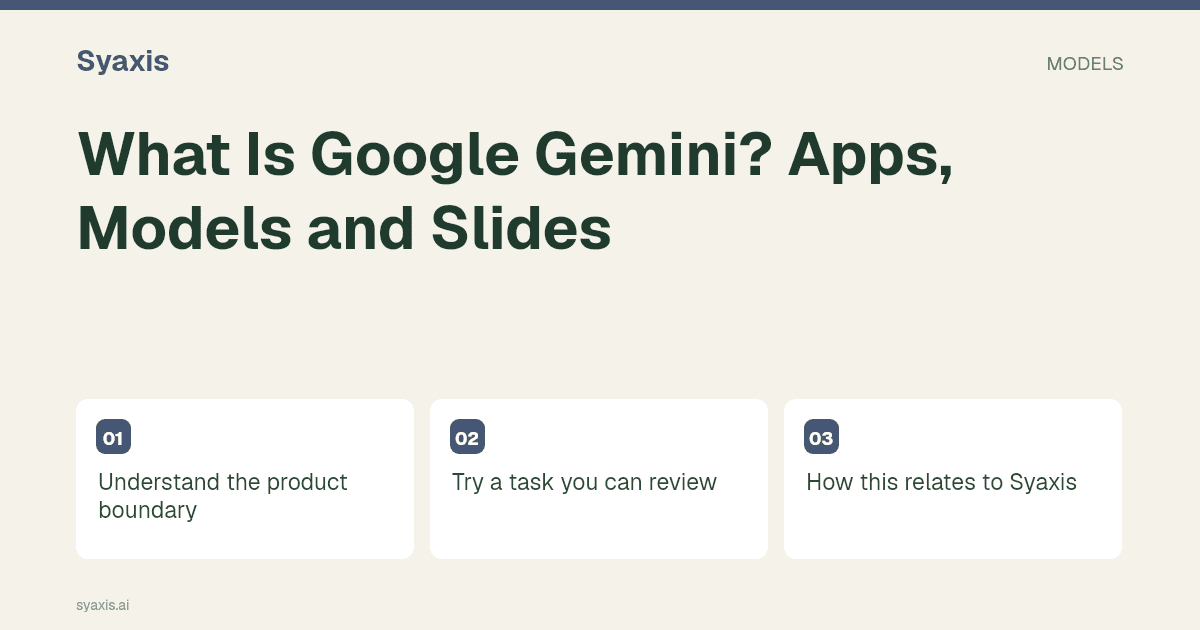
Understand the product boundary
For presentations, Google documents a Canvas workflow. Check the account, surface and handoff you plan to use rather than assuming every Gemini interface creates the same deliverable.
Try a task you can review
A practical first task is to turn approved lesson notes into a presentation outline, then check the factual explanation and the learner level. If you create slides, inspect the exported or transferred result in its final editor.
For research, open important sources and verify that each conclusion follows from them. Search access and a confident answer do not establish factual correctness.
How this relates to Syaxis
Gemini is currently disabled in Syaxis. This guide describes Google’s external product, which remains relevant when comparing AI tools.
Three meanings of Gemini that should stay separate
Gemini can refer to a model family, Google’s assistant experience or capabilities integrated into another Google product. Those meanings overlap, but their permissions and deliverables are not interchangeable. Start with what you want to do: ask a question, work with a document, create slides or build an application.
Google’s Canvas documentation describes presentation creation and export workflows. A useful first project is a short briefing built from approved notes, followed by editing in the destination app. Check the account’s eligibility and the actual export before adopting it for a team. Gemini is currently disabled in Syaxis; this guide is about understanding Google’s product, not a claim of bundled access.
| Meaning | What you choose | What it does not establish |
|---|---|---|
| Gemini model | A model endpoint or version | Access to every feature in Google’s apps |
| Gemini app | An assistant experience and account | The same controls as every workspace deployment |
| Gemini in a work product | A licensed integration and workflow | Availability for every personal or managed account |
Pertanyaan Umum
Does Gemini access mean Google Slides export is always available?
No. Check the specific Canvas workflow and account eligibility. A model endpoint or another Gemini integration is not a promise that every app feature is enabled.
Start a slide assignment with the Gemini presentation guide. If the editing environment is still undecided, compare Gemini with ChatGPT or Claude with Gemini.
Arahan lebih jelas. Presentasi lebih kuat.
Bawa ide Anda ke Syaxis dan bentuk menjadi cerita, struktur, dan slide yang layak dibagikan.