Claude versus Gemini is partly a question of your working environment. Compare the assistant’s response quality on your tasks, but also inspect how the sources enter the workflow and how the deliverable leaves it.
Choose the product surface before comparing model names.
Use identical source material and a repeatable revision.
Inspect evidence, output format, limits and data settings.
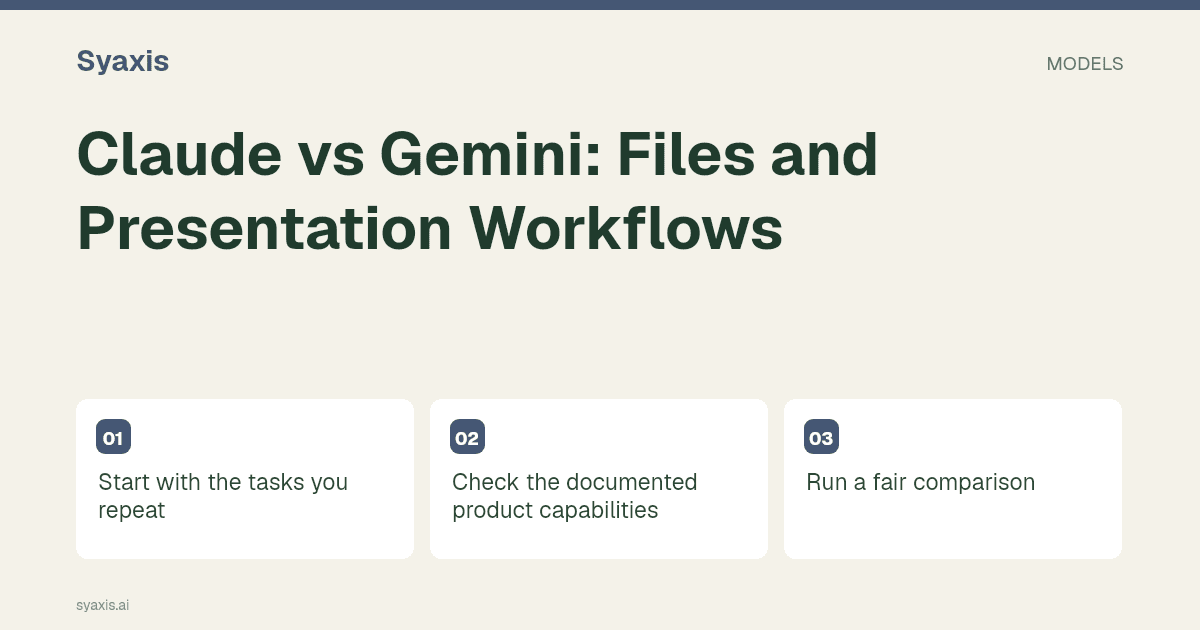
Start with the tasks you repeat
If the work needs a presentation, distinguish Claude’s file-creation workflow from Gemini Canvas and any Google Slides handoff. If it is a document task, compare the same source-grounded summary rather than different demonstrations.
Check the documented product capabilities
Review Claude documentation and Gemini documentation for the workflow you need. Features and entitlements can change; confirm availability in your own account before buying.
Gemini is currently disabled in Syaxis. This comparison concerns Google’s separate product; it is not a claim that a Syaxis subscription includes Gemini or Google Workspace features.
Run a fair comparison
Use a research note with two conflicting sources. Ask each assistant for a balanced summary and a five-slide outline that preserves the disagreement. Check whether either resolves the conflict by inventing certainty.
Choose where the next editor will work
For a team that wants a Google Slides handoff, begin with Gemini’s documented Canvas-to-Slides workflow. For a downloadable presentation file, examine Claude’s file creation workflow. These are reasons to shortlist a product, not claims that either will consistently produce a better argument or layout. Availability in a personal account may differ from an organization-managed account.
Try a fictional workshop with an agenda, a two-column exercise and a facilitator note. Ask a colleague to shorten the agenda and change the exercise time in the delivered file. Record any content that becomes difficult to edit. Then change one source fact and check whether the deck, notes and closing summary all reflect the correction. Gemini is currently disabled in Syaxis; this comparison concerns the providers’ own products.
| Required handoff | Candidate workflow | Trial edit |
|---|---|---|
| Google Slides | Gemini Canvas export | Change a heading and share with the intended reviewer |
| Presentation file | Claude file creation | Open the file in the recipient’s slide editor |
| Source-faithful narrative | Evaluate both with the same brief | Correct one source fact and inspect every affected slide |
Pertanyaan Umum
Does Claude vs Gemini compare the same thing as their APIs?
No. This guide compares product workflows. An API model or a third-party chat integration does not automatically include the file tools, integrations or account permissions of the native apps.
Follow the Gemini presentation workflow for a Google Slides route or the Claude PowerPoint guide for file creation. The Gemini product explainer separates app access from model access.
Arahan lebih jelas. Presentasi lebih kuat.
Bawa ide Anda ke Syaxis dan bentuk menjadi cerita, struktur, dan slide yang layak dibagikan.