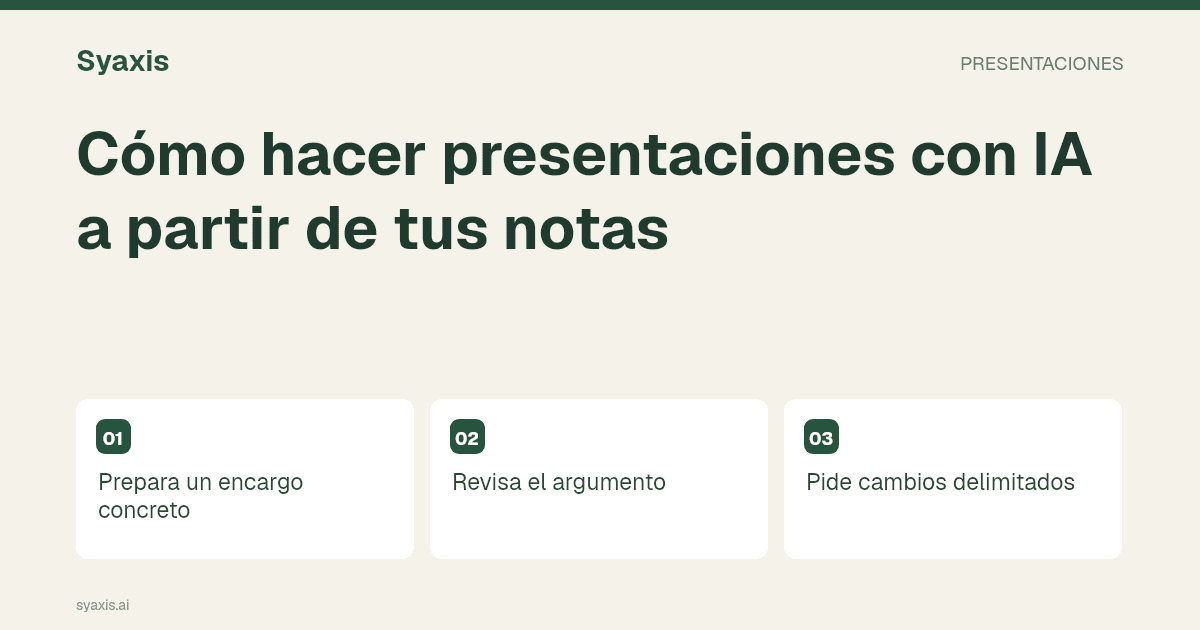
Cómo hacer presentaciones con IA a partir de tus notas
Crea una presentación con IA con un objetivo claro, fuentes verificables y revisiones por chat antes de exportar a PowerPoint.
Leer artículoAprende a crear presentaciones con IA a partir de notas y fuentes. Explora ejemplos, flujos de PowerPoint y comparativas de Gamma, Canva y otras herramientas.
Empieza con la guía de creación, compara herramientas según dónde editarás el archivo o consulta ejemplos para propuestas, reuniones y clases. Las guías sobre fuentes ayudan a conservar la evidencia durante las revisiones y la entrega.
Crea una presentación con IA con un objetivo claro, fuentes verificables y revisiones por chat antes de exportar a PowerPoint.
Leer artículoCompara herramientas para crear presentaciones con IA según edición, fuentes y entrega. Incluye un ejercicio práctico para evaluar las opciones.
Leer artículoCompara alternativas a Gamma por edición, exportación y trabajo adicional con IA.
Leer artículoPrepara una clase con un objetivo, una explicación, un ejemplo y una actividad que compruebe la comprensión.
Leer artículoElige una alternativa para diapositivas sin asumir que reemplaza todo el trabajo de diseño de Canva.
Leer artículoEntiende el flujo de presentaciones de Gemini, prepara las fuentes y revisa el resultado antes de compartirlo.
Leer artículoConvierte un informe PDF en una presentación clara: selecciona evidencia, conserva fechas y unidades y revisa el archivo final.
Leer artículoCreate an agency pitch deck that connects the client’s problem to a proposed approach, credible examples, scope and next steps without invented results.
Leer artículoCompare Beautiful.ai alternatives for unusual layouts, existing templates and editable exports. Use a difficult slide to test the switch.
Leer artículoStructure a board presentation around material changes, evidence, risks and decisions, with an original example and transparent assumptions.
Leer artículoCompare ChatGPT and Claude for creating PowerPoint presentations, revising source-based content and handing off an editable file.
Leer artículoBuild a client presentation around the buyer’s decision. Use a fictional project proposal to connect the brief, evidence, options, scope and next step.
Leer artículoStructure a consulting presentation around a defensible recommendation, with action titles, evidence, alternatives and a decision-focused example.
Leer artículoWrite an executive summary slide that leads with the decision. Compare proposal, research and performance-update examples with clearer action titles.
Leer artículoCompare Gamma and Beautiful.ai for narrative structure, guided layouts and editable PowerPoint delivery. Test with a realistic reporting slide.
Leer artículoGamma or Canva for presentations? Compare narrative drafting, design control, campaign assets and the edits your recipient needs to make.
Leer artículoCompare Gamma and Genspark for slide authoring, source review and export. Use the same report and inspect the file your team will edit.
Leer artículoGamma vs Manus for presentations: compare a focused slide workflow with research and analysis that must become an editable deck.
Leer artículoGamma vs Plus AI: browser drafting or working in a slide editor? Compare existing templates, revisions, export and documented plan differences.
Leer artículoCreate PowerPoint presentations with ChatGPT using a source-led brief, a clear slide structure and a review of the actual presentation file.
Leer artículoUse Claude to create and revise PowerPoint files. Prepare the sources, specify the deliverable and check the slides after a factual correction.
Leer artículoVerify citations, numbers and claims in AI-generated slides. Follow a practical source-review process before presenting or sharing the deck.
Leer artículoUse Manus for research-led presentations and native PowerPoint creation. Check source claims, calculations and the editable file before handoff.
Leer artículoManus vs Genspark for AI slides: compare creation modes, source traceability and file handoff with a concrete research-to-deck assignment.
Leer artículoTurn a marketing strategy into a clear presentation covering the audience, message, channels, evidence, budget assumptions and measurement.
Leer artículoTurn Perplexity research into a presentation with verified claims, a source ledger and a clear narrative. Separate research from file creation.
Leer artículoChoose a presentation outline that fits the meeting. Use three reusable structures for proposals, research readouts and recurring business updates.
Leer artículoBuild a quarterly business review with consistent metrics, a clear explanation of changes and a practical next-quarter action plan.
Leer artículoStructure a research presentation around a question, method, findings and limitations. Use an original fictional readout to keep conclusions traceable.
Leer artículoChoose a sales presentation structure for the meeting stage, with original examples for discovery, solution proposals and decision reviews.
Leer artículoChoose a SlidesAI alternative by editing environment, source material and final handoff, with a practical trial for an existing deck.
Leer artículoBuild a research-based presentation with a focused question, traceable evidence and a decision the audience can understand.
Leer artículoTrae tu encargo, notas y fuentes. Dale un comienzo a tu próxima historia.