Gemini Canvas provides a slide-creation workflow, with a handoff to Google Slides. Use that specific workflow when your goal is a deck; an ordinary chat response containing slide bullets is a different result.
This guide concerns Google’s separate Gemini product. Gemini is currently disabled as a model integration in Syaxis, so a Syaxis subscription should not be described as providing Gemini Canvas.
Select Canvas and specify a slide-deck output.
Review the story before exporting to Google Slides.
Check account eligibility and the controls available in your workspace.
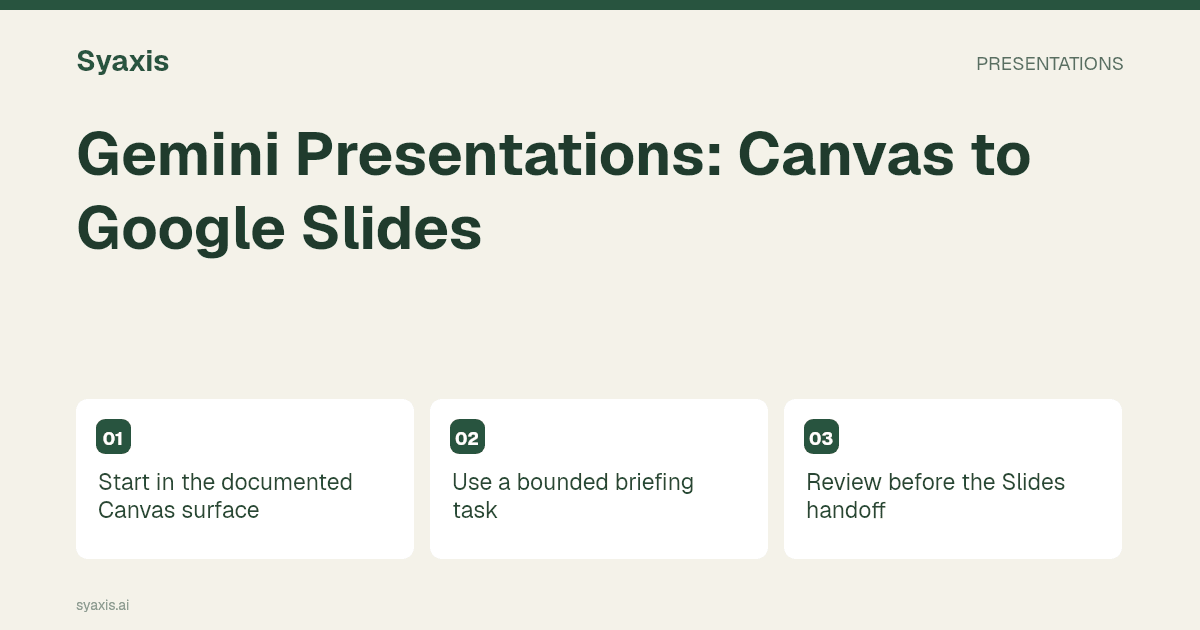
Start in the documented Canvas surface
Google’s Canvas guide explains how to select Canvas, provide a prompt and optionally attach material. It also describes exporting slides to Google Slides or PDF. Follow the controls shown in your current account, since eligibility and workspace settings can affect what is available.
Choose the output explicitly. “Explain this report” may produce a useful answer, but it does not communicate the same requirement as “create a six-slide presentation for this audience.”
Use a bounded briefing task
For a useful example, ask for a short staff briefing about a proposed two-week process pilot. Supply the current process, the proposed change and the questions the team needs to discuss. Do not ask Gemini to invent evidence that the pilot will succeed.
Prompt: “In Canvas, create a six-slide staff briefing from these approved notes. Explain the current handoff, show the proposed pilot, clarify who does what and end with the questions we need to resolve. Preserve the dates. Use a process diagram instead of decorative imagery on the workflow slide.”
Review before the Slides handoff
Read the deck as a staff member who did not write the brief. Can you identify what changes, when it starts and whom to ask for help? A visually attractive introduction is less important than those operational details.
Ask for one revision at a time: clarify the owner on the process slide, then shorten the background. Check that the change did not alter the dates or expand the scope. The presentation outline guide helps identify whether a slide is missing a necessary audience question.
| Check | Question |
|---|---|
| Sequence | Does the current process appear before the proposed change? |
| Ownership | Is every action connected to a role? |
| Evidence | Are expected benefits labeled as expectations? |
| Readability | Can the longest label be read at presentation size? |
| Next step | Does the final slide name the discussion or decision? |
Continue editing in Google Slides
Use the documented export control and inspect the resulting presentation in Google Slides. Check the elements you expect to edit there, including text, chart labels and images. Do not assume that what looked correct in Canvas requires no further review after the transfer.
If another file format is required, use the destination editor’s supported download workflow and inspect that final file too. The actual recipient format, not the intermediate workspace, determines whether the handoff is complete.
Choose Gemini for the workflow, not a model label
A team already organizing its work in Google’s products may prefer to evaluate the Canvas-to-Slides path first. A team bound to another editing environment should compare the additional transfer steps. That is a practical fit judgment, not a claim about which model is universally better.
For a broader assistant decision, see Claude vs Gemini and Gemini vs ChatGPT. For the full presentation field, use best AI presentation makers.
الأسئلة الشائعة
Can Gemini Canvas export slides to Google Slides?
Google documents that handoff in the Canvas guide. Confirm the available controls in the account you use and review the result after export.
Does using a Gemini model through another app include Canvas?
No. A model integration and the Gemini app’s Canvas workflow are different product capabilities. Syaxis currently has its Gemini integration disabled.
Use the source-to-presentation method when your briefing depends on research rather than an already-approved internal note.
طلب أوضح. عرض تقديمي أقوى.
أحضر أفكارك إلى Syaxis وامنحها قصة وبنية وشرائح تستحق المشاركة.