Switching models is most useful when the next turn needs a different job: critique a draft, simplify an explanation or identify missing evidence. Repeating the same vague request across many models can produce more text without a better decision.
Define the recurring task before choosing a tool.
Distinguish model access, native features and plan limits.
Review the result against the original sources and goal.
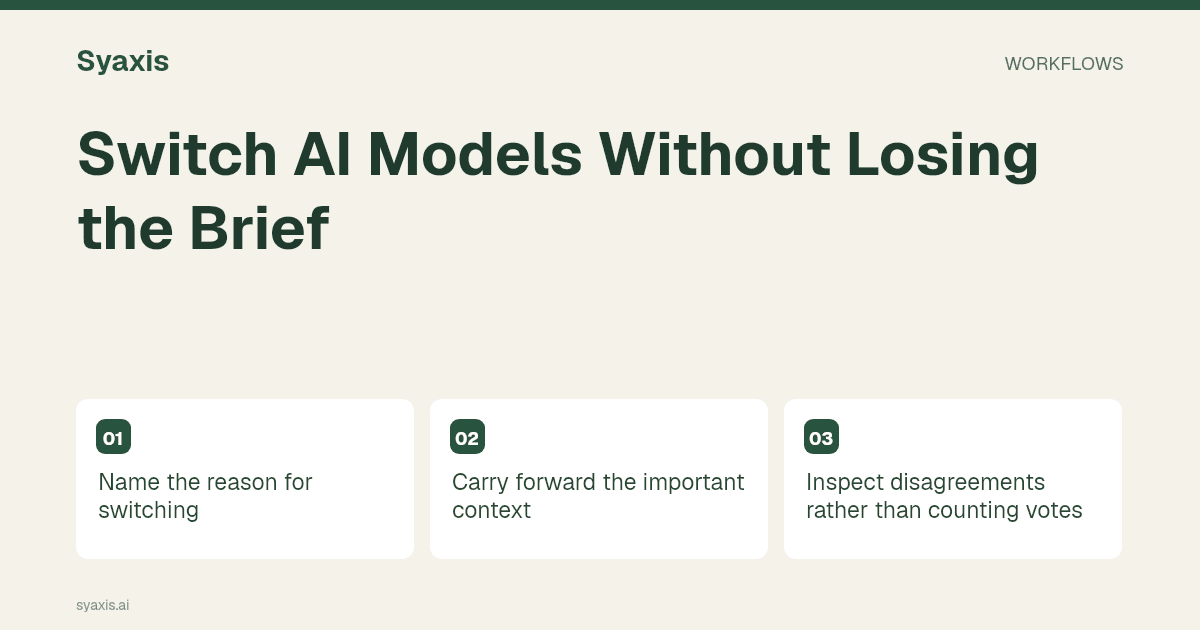
Name the reason for switching
A useful transition is from drafting to critique: “Review the proposal against the client brief. Identify unsupported claims and missing decisions.” Another is from a technical explanation to an audience-specific rewrite.
Do not ask the new model merely whether the old answer is correct. Specify the evidence and the standard it should use.
OpenAI’s conversation-state documentation explains how context is supplied and maintained across API requests. It supports the distinction between model access and application-managed history; it does not promise that every multi-model app carries the same context when switching providers.
Carry forward the important context
Provide the goal, accepted facts, unresolved questions and the current draft. This is especially useful in a long conversation where earlier details may not all remain available.
A model change does not create a shared permanent memory between providers. The application decides what context and tools are sent.
Inspect disagreements rather than counting votes
If models disagree, identify the precise statement and check the source. Different wording may hide agreement, while similar wording may repeat the same unsupported assumption.
Keep the verified correction in a short note so future turns do not reintroduce the old version.
Use the controls your plan provides
In Syaxis, manual model selection in Chat is available on eligible paid plans; Free stays on Auto. The current model menu is the source of availability.
Changing the Chat model is separate from automatic model selection during a presentation build. See multi-model Chat for the full workflow.
Write a handoff that distinguishes facts from drafts
Before switching, summarize the task in five lines: intended reader, required deliverable, approved facts, accepted decisions and unresolved questions. Label rejected ideas explicitly or leave them out. Otherwise the next model may revive a discarded direction because it appears in the conversation history.
For example: “We are preparing a six-slide customer update. Delivery is Thursday; pricing is unchanged. Keep the apology brief. The earlier Tuesday date is obsolete. Review only for unsupported promises.” After switching, ask the model to identify the constraints before revising. If the app does not make old files available to the new model, attach the approved material again through the supported workflow. Do not infer context access merely because earlier messages remain visible on screen.
| Handoff item | Good version | Weak version |
|---|---|---|
| Current fact | Delivery is Thursday; Tuesday is obsolete | See the earlier messages |
| Accepted decision | Keep six slides and the current audience | Make it better |
| Review scope | Flag promises absent from the source | Check everything |
Perguntas frequentes
Will a model switch preserve every file and instruction?
That depends on the app and the context supplied to the next request. Verify the relevant facts and file access instead of assuming that visible chat history guarantees complete model context.
A multi-model chat workflow benefits from a current brief. Understanding the context window explains why; the prompt-writing guide helps keep that brief concise.
Um briefing mais claro. Uma apresentação mais forte.
Traga suas ideias para a Syaxis e dê a elas uma história, uma estrutura e slides que valem compartilhar.