Chatting with a PDF is useful when you have a specific question and can check the answer in the original document. It is less useful when you ask for a broad summary and never inspect what was omitted.
Start with a specific task and source material.
Check the claims and the final deliverable.
Choose tools by the workflow and limits you actually need.
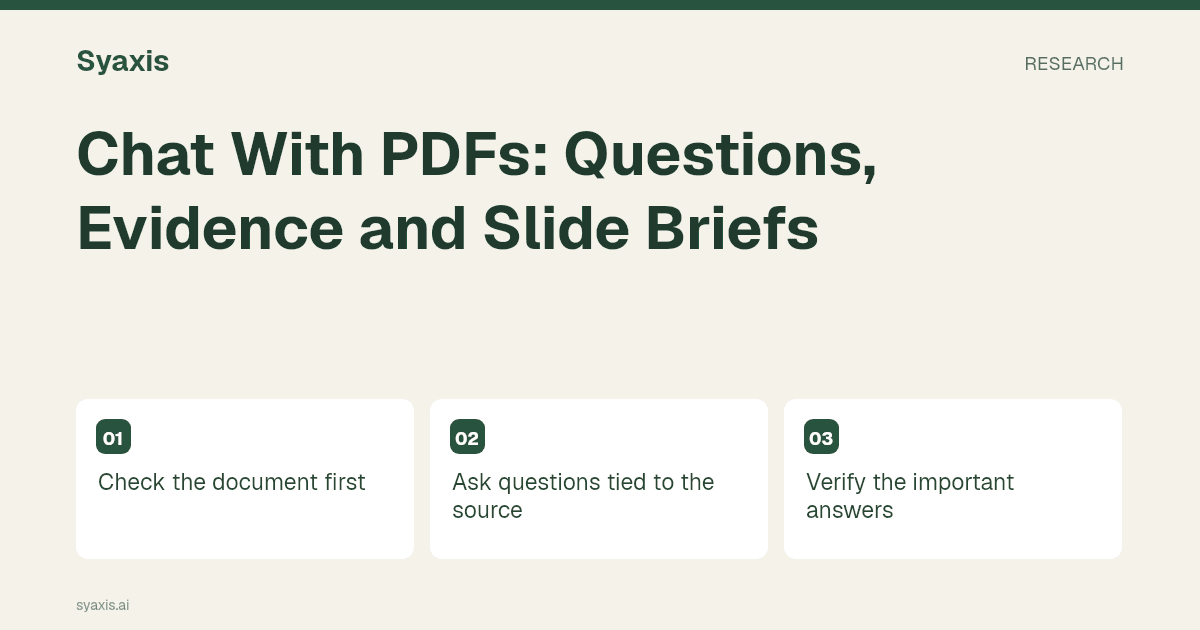
Check the document first
Identify scanned pages, tables and figures where layout carries meaning. Confirm that the text and key labels were extracted correctly.
A successful upload does not establish that every page, footnote or chart was understood.
Product documentation shows why this check matters: Claude’s upload guide distinguishes visual PDF processing from text-only processing, and Gemini’s file guide describes document analysis and file-related limits. ChatGPT Work’s overview also describes working from files and context. Verify the particular product and account instead of assuming identical PDF handling.
Ask questions tied to the source
Start with a bounded request: “What reasons does the report give for the delay? Identify the relevant section and distinguish the report’s explanation from your interpretation.”
Ask for missing information too. The absence of an answer in the document should not become a guessed fact.
Verify the important answers
Open the cited passage or locate the relevant section yourself. Check numerical units, dates and whether the answer overstates the source.
If several documents disagree, keep their definitions and time periods separate before asking for a synthesis.
Turn the answers into useful work
Save a short source-based brief with verified findings and open questions. Use it for a memo, discussion or presentation.
For a new deck built from the report, see PDF to presentation. That is a synthesis workflow, not a promise of exact PDF-page conversion.
Ask questions that preserve page-level context
A PDF may contain selectable text, scanned pages, tables or diagrams. Those differences affect what a tool can extract. Start with a question whose answer you already know from the document, then inspect whether the response preserves the page, units and surrounding qualification. A successful upload is not evidence that every element was read correctly.
For a fictional operations report, ask: “Which page states the observed delay? What period and sample does it cover? Quote only the short relevant wording, then explain what it does not establish.” Follow with a request for a claim ledger rather than a polished executive summary. Once you verify that ledger, use it as the source packet for slides. If the report is a scan, manually check important digits and labels against the image.
| PDF content | Question to ask | Manual check |
|---|---|---|
| Narrative text | Which passage supports this statement? | Scope and nearby exceptions |
| Table | What are the row, column and unit? | Totals and negative signs |
| Scanned page | What text was extracted here? | Digits and reading order |
| Chart | What does the axis measure? | Legend, scale and date range |
자주 묻는 질문
Can I assume the assistant read the entire PDF?
No. Extraction, retrieval and context limits vary by product and file. Verify important passages and tables directly, especially in scans or long documents.
Turn the verified evidence into a PDF-based presentation. The explanations of RAG and context windows help diagnose missing or poorly supported answers.
더 명확한 요청. 더 설득력 있는 프레젠테이션.
생각을 Syaxis에 가져와 이야기와 구조를 잡고 공유할 만한 슬라이드로 만드세요.