When Canva feels too broad for presentation work, the replacement should solve a slide problem: keeping a PowerPoint template, drafting a narrative from a source report, or making repeatable business layouts. A list of general graphic-design apps does not answer that need.
This guide focuses on alternatives for presentations. If your team also depends on Canva for print, social graphics and other assets, replacing the slide workflow does not necessarily mean replacing the entire design workspace.
Keep Canva when the surrounding design work is the main value.
Use a slide-editor integration when the client controls the final template.
Check what remains editable after export.
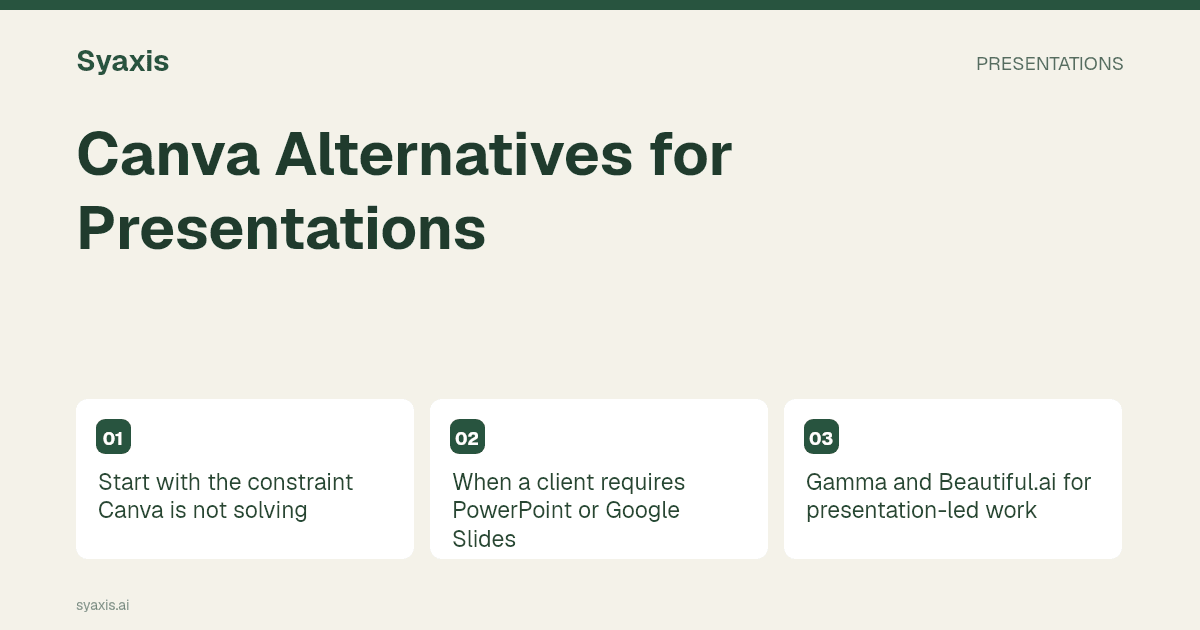
Start with the constraint Canva is not solving
A consultant delivering into a client’s PowerPoint template should shortlist differently from a founder preparing a browser-based pitch. Write the delivery constraint at the top of the brief: destination app, editable elements, required fonts and whether collaborators can create accounts.
| Constraint | Candidate | Why it belongs on the shortlist |
|---|---|---|
| Existing slide editor is mandatory | Plus AI or SlidesAI | Evaluate generation where the team already edits |
| Fast browser drafting is the priority | Gamma | Assess a presentation workflow before adopting another broad design suite |
| Automatic business layouts matter | Beautiful.ai | Try repeatable structured layouts on your recurring slide types |
| A source-heavy assignment ends in PPTX | Manus or Claude | Check file creation and source handling for the specific task |
| Presentations share a subscription with Chat and images | Syaxis | Compare the combined workload against plan limits |
When a client requires PowerPoint or Google Slides
Plus AI’s integrations are relevant when the deck must remain in an established slide editor. Imagine a consulting team updating the same executive template each month. Reusing that environment can matter more than having another collection of design assets.
SlidesAI’s documented surfaces include slide-editor integrations too. Test a new slide inside an existing deck, not just a completely new presentation. Inspect whether the title, chart labels and notes still make sense beside the client’s untouched slides.
A “PowerPoint download” and “working inside PowerPoint” solve related but different problems. The Gamma vs Plus AI guide explains that distinction, which also helps when choosing a Canva replacement.
Gamma and Beautiful.ai for presentation-led work
Gamma’s creation options make it a candidate for browser-based drafting. Try it when your team mainly needs a readable sequence of ideas and can review the deck in its own workspace before delivery.
Beautiful.ai’s pricing and feature page describes its Smart Slide approach. It is worth considering when your recurring slides have recognizable structures, such as a comparison, timeline or status update. A rigid corporate exception may be a more revealing trial than a simple cover slide.
Neither recommendation means the tool will preserve every Canva design element. Start the migration from the original message and source material. Rebuilding a slide around its purpose can be more efficient than trying to reproduce every decorative detail.
Source-led alternatives: a report is not a design brief
Claude can create presentation files, and Manus documents native PPTX authoring. Include them when the difficult part of the assignment is interpreting approved material before arranging slides. The file still needs human review; document access alone does not establish that every conclusion is supported.
Syaxis connects presentation creation and revision through chat with a broader Chat and image workflow. A useful brief names the audience, the decision and the source hierarchy. Ask for a short presentation first, then revise the claim on the busiest slide rather than requesting a vague polish pass.
The PDF-to-presentation guide covers how to preserve evidence while reducing a report to a deck. That process matters whichever product you select.
Run a handoff check before moving the team
Canva already documents multiple download formats, so export availability alone is an incomplete comparison. Try changing a number, replacing a photo and shortening a heading in the destination app. Check the file on the recipient’s setup rather than relying only on your own preview.
Include one multilingual slide if you work across markets. Font substitution, right-to-left alignment and a translated heading that wraps to two lines can expose problems hidden by an English-only sample. Keep the message and layout density comparable across trials.
Finally, calculate the cost of the whole workflow. A cheap presentation subscription is not a saving if the team still needs the existing design subscription and now spends extra time moving assets between them. Conversely, a focused slide tool may be worthwhile when it removes repeated manual reconstruction.
자주 묻는 질문
Is there a Canva alternative just for AI slides?
Yes. Gamma, Beautiful.ai, Plus AI and SlidesAI are candidates, but their editing environments differ. Choose browser drafting, structured layouts or an integration according to how the final deck will be reviewed.
Should I cancel Canva when I adopt a presentation tool?
Only if the new workflow also covers the other design work you use Canva for. Many teams can evaluate a slide tool without moving their campaign or print assets.
For a direct choice between the two workflows, read Gamma vs Canva. For audience-specific examples, see the marketing strategy presentation and agency pitch deck guides.
더 명확한 요청. 더 설득력 있는 프레젠테이션.
생각을 Syaxis에 가져와 이야기와 구조를 잡고 공유할 만한 슬라이드로 만드세요.