A useful ChatGPT alternative solves a particular gap in your work. That gap may be a preferred writing workflow, a different research experience, presentation editing or access to multiple models.
Start with a specific task and source material.
Check the claims and the final deliverable.
Choose tools by the workflow and limits you actually need.
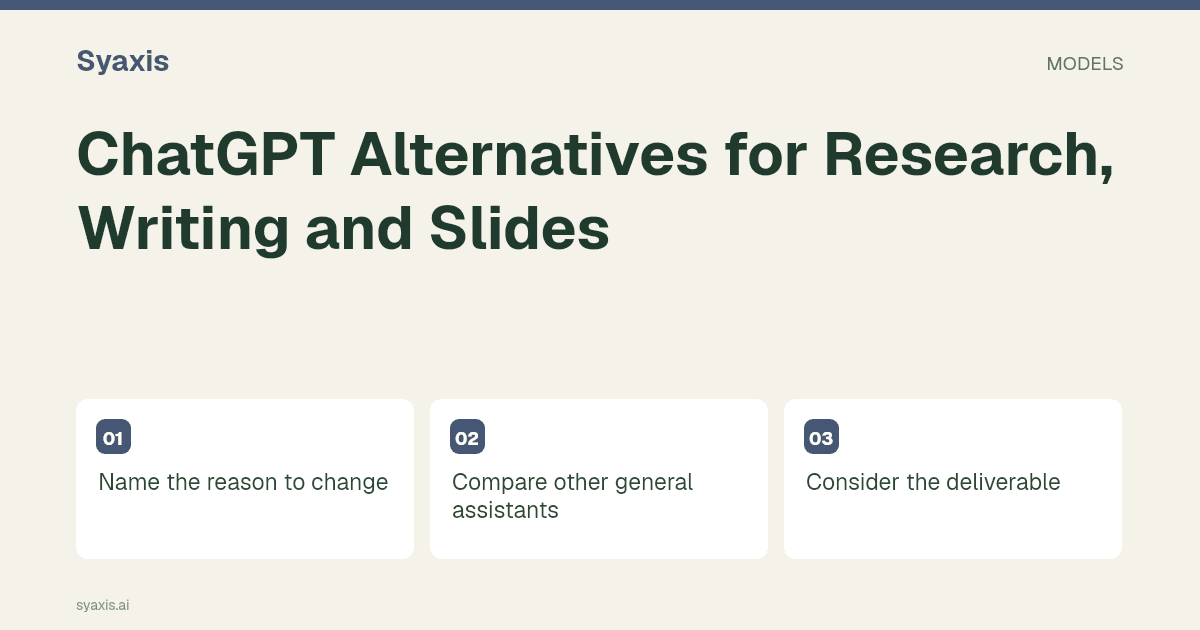
Name the reason to change
Write down the limitation in practical terms: a file you cannot deliver, an integration you need or a task that takes too much correction. “A better AI” is too broad to evaluate.
Keep a native feature you depend on in the comparison. Switching to another model does not automatically reproduce that feature.
Compare other general assistants
Claude’s file tools and Gemini’s Canvas workflow are relevant starting points for general document and presentation work. Use the provider comparisons to examine the handoff.
Do not assume a permanent winner for writing or reasoning. Test your own source packet and audience.
Consider the deliverable
For slide-heavy work, compare Gamma’s exports, Canva’s presentation tool, Manus’s PowerPoint mode and Genspark AI Slides. For research, Perplexity’s plan documentation describes the access to check before evaluating source review.
The presentation maker shortlist separates browser workspaces, native slide integrations and assistants.
Use several models when the task benefits
A multi-model product can support drafting with one available model and critique with another. Syaxis adds presentation creation and images around that Chat workflow.
Check plan limits and native-feature differences. A second model is another perspective, not independent proof that an answer is correct.
Switch because of a constraint you can name
A useful alternative fixes a specific frustration. If it is document drafting, trial Claude with the document and the difficult revision. If it is a Google Slides handoff, examine Gemini’s presentation route. If it is evidence discovery, try Perplexity on a question with a verifiable answer. For a workflow already based in Microsoft 365, investigate the specific Copilot integration rather than another standalone chat tab.
DeepSeek’s API pricing belongs in a separate evaluation when you are considering an API-based workflow, because metered usage and implementation costs differ from an app subscription. Syaxis fits a different need again: presentations, Chat with paid model choice and image creation in one product. Neither should be described as a bundle of native ChatGPT, Claude or Gemini subscriptions.
| Why you are switching | Shortlist | Use this trial |
|---|---|---|
| Document revision | Claude | Preserve dates and exceptions through a rewrite |
| Google Slides handoff | Gemini | Create, export and edit a short source-led deck |
| Research discovery | Perplexity | Find primary evidence for three dated claims |
| Existing Office workflow | Microsoft Copilot | Add content inside an approved file |
자주 묻는 질문
Should I migrate my entire workflow immediately?
Start with the specific recurring task your current product handles poorly. A limited trial reveals whether the alternative removes that constraint without creating a larger handoff problem.
Explore DeepSeek vs ChatGPT for the API purchasing distinction, Copilot vs ChatGPT for existing Office work, and Perplexity vs ChatGPT for evidence-led assignments.
더 명확한 요청. 더 설득력 있는 프레젠테이션.
생각을 Syaxis에 가져와 이야기와 구조를 잡고 공유할 만한 슬라이드로 만드세요.