A coherent set of presentation images needs more than the same color palette. Viewpoint, lighting, level of realism, visual density and the treatment of people or objects all affect whether the deck feels like one piece of work.
Use a short visual specification and a small pilot set before generating images for an entire presentation. Treat consistency as something to inspect, not a feature a prompt can guarantee.
Define the visual rules before generating a series.
Review two or three images together before scaling up.
Keep enough variation for each slide to do a different job.
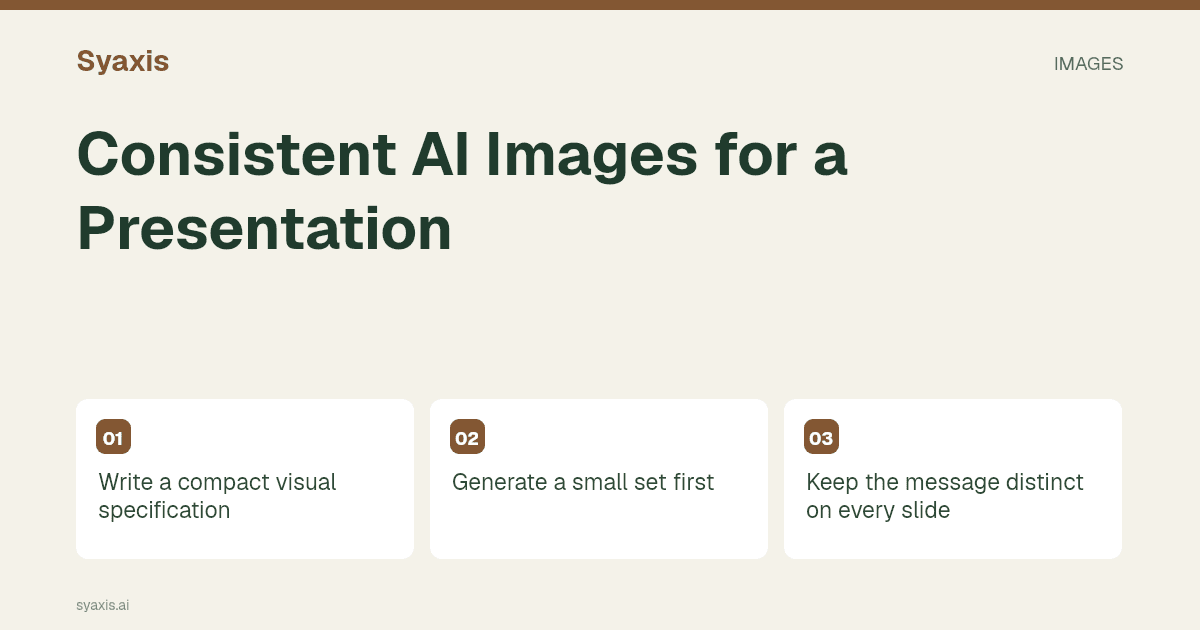
Write a compact visual specification
For a fictional community-space proposal, the specification might call for wide illustrative scenes, soft daylight, muted greens and warm neutrals, with simple architectural forms. It should also say whether people appear and how much empty space the slide needs.
| Dimension | Chosen rule |
|---|---|
| Realism | Editorial concept illustration |
| Viewpoint | Eye-level or slightly elevated, without dramatic perspective |
| Lighting | Soft daylight |
| Palette | Muted green, cream and warm neutral accents |
| Density | One clear focal subject with quiet surrounding space |
| Text | No embedded labels; add editable slide text afterward |
Generate a small set first
Create an opener, an explanatory concept and a closing scene. These test different communication roles while keeping the same visual rules. Review them together in a simple grid rather than approving each in isolation.
If one image looks photographic and another looks diagrammatic, decide whether that difference is intentional. If it is not, revise the outlier before generating the rest. A small pilot prevents a weak style rule from spreading across a large deck.
Keep the message distinct on every slide
Consistency does not mean repeating the same courtyard from slightly different angles. The opener might establish the setting; a later image might explain a proposed activity; the closing slide might show the desired experience. Each image needs a different reason to exist.
Use composition to support that role. A title slide may need a quiet left third, while an explanatory slide may need an uncluttered center. Preserve the visual language without forcing every image into the same arrangement.
Revise the rule that actually changed
Instead of “make this match,” identify the mismatch: “Reduce the realism, use the same muted green palette and soften the contrast. Keep the seating arrangement visible.” This gives the revision a specific target.
Check the new output for unrelated changes. Generated revisions can alter details you intended to preserve. Maintain a small approved reference set and compare each new result with it; do not assume a matching prompt produces an identical scene.
Check consistency inside the slides
Images that look coherent as files can feel inconsistent after cropping. Place them in the actual slide frames and inspect scale, focal position and text contrast. A face or object cropped at an awkward point may need a different image rather than a smaller text box.
Keep a consistent treatment for captions and labels. If the image is conceptual, that label should remain clear wherever the audience might mistake it for a real photograph. The visuals guide covers this evidence boundary.
Use the specification in Syaxis Chat
Provide the visual specification with each relevant image request in Chat, and refer to the approved characteristics during revisions. This guide does not assume a dedicated brand-lock or character-consistency control. Review the actual result before placing it in the deck.
For prompt examples, see AI image prompts for presentations. For a campaign in which consistency spans slides and other assets, see the marketing strategy presentation.
よくある質問
Can a prompt guarantee identical characters or objects?
No. Describe the required consistency and inspect the results. If exact identity is essential, use an appropriate controlled asset workflow rather than relying on wording alone.
How many style rules should I specify?
Use enough to govern the visible differences that matter: realism, viewpoint, lighting, palette and density are a useful starting set. Avoid a long list of contradictory style adjectives.
Generate a small pilot set, approve the visual language and then expand the series through Chat image creation.
明確な要件から、伝わるプレゼンテーションへ。
考えをSyaxisに持ち込み、ストーリーと構成を整え、共有したくなるスライドにしましょう。