A multi-model platform is useful when it reduces the effort of preparing context and choosing the next tool. A long provider list is less valuable if the models, file workflows or output formats you need are unavailable on your plan.
Define the recurring task before choosing a tool.
Distinguish model access, native features and plan limits.
Review the result against the original sources and goal.
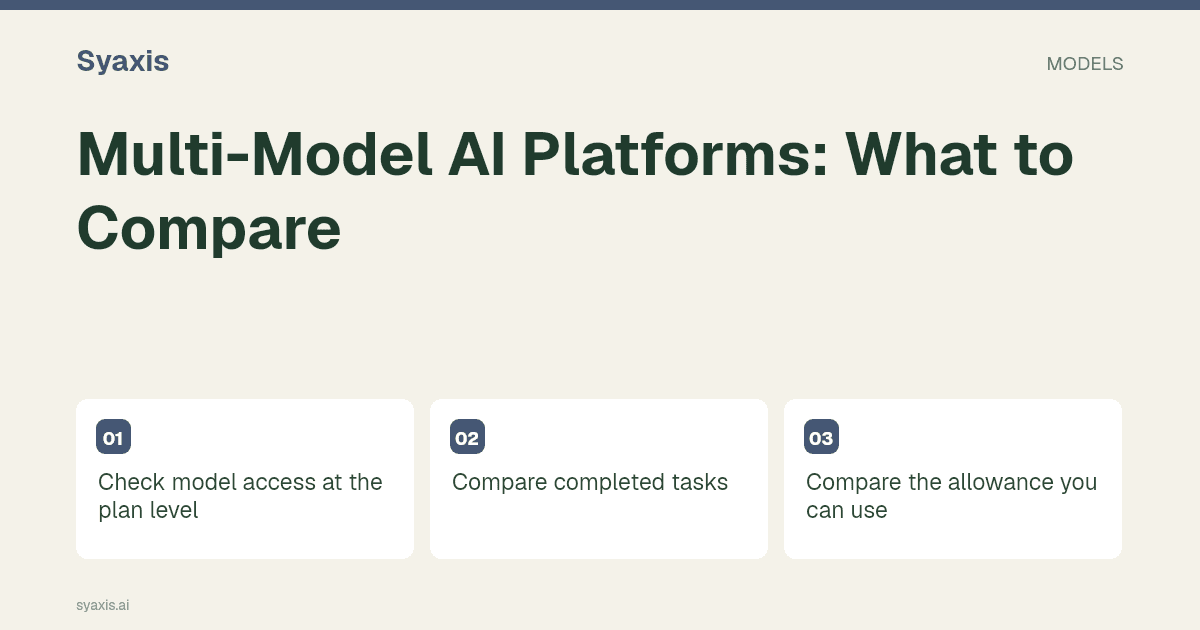
Check model access at the plan level
List the models you actually need and confirm how they can be selected. Separate automatic routing from manual choice. Ask whether access applies to Chat, presentation generation, images or a different surface.
Syaxis offers manual Chat model choice on eligible paid plans; Free uses Auto. Its Google integration is currently disabled.
Compare completed tasks
Use a source packet to draft, critique and prepare a deliverable. Check how the product handles attachments and whether a model change preserves enough useful context.
For presentation work, also inspect revisions and the exported file. For image work, inspect composition, allowed operations and download options.
Compare the allowance you can use
Look at credits, presentation caps, file limits and renewal cadence. An unlimited-looking interface can still have practical or plan restrictions. Do not infer unlimited use from a monthly subscription.
Use actual recurring tasks to estimate fit. Counting provider logos does not tell you how many deliverables the plan supports.
Separate model access from native subscriptions
A platform using a provider API does not automatically include the provider’s consumer app, connectors, voice modes or proprietary research workflows. Evaluate those requirements separately.
For a subscription decision, see one subscription for multiple AI models. Syaxis plans combine presentations, Chat and image creation with explicit limits.
Distinguish a chat workspace from an API service
The phrase multi-model platform covers several different purchases: an end-user chat app, a developer gateway and a product that combines model access with an artifact workflow. An endpoint catalog is useful to a developer but says little about whether a nontechnical colleague can review files, revisit a conversation or create a presentation.
For an end-user trial, ask each shortlisted product to show the available model picker, the credits required for a typical task and how a model switch affects an existing conversation. Then inspect the surrounding workflow: files, export, deletion controls and the information supplied about providers. In Syaxis, Free uses Auto and eligible paid plans expose manual Chat model choice; presentation generation manages its own model selection. Buy the experience you need, not the largest advertised model count.
For concrete examples, Poe’s FAQ describes its bot-based chat experience, while OpenRouter’s quickstart describes a unified model API. Both provide access to models, but their documented entry points illustrate why a chat workspace and a developer service should be evaluated differently.
| Platform type | Primary user | Important comparison |
|---|---|---|
| Multi-model chat app | A person drafting and reviewing | Usable conversation, files and model access |
| API gateway | A developer building a product | Endpoints, billing and integration behavior |
| Artifact workspace | A person creating a deliverable | Presentation creation, revision and handoff |
Pertanyaan Umum
Does a larger model catalog make a platform better?
Only if those models are available on your plan and help with your work. A smaller useful catalog with a clear workflow can be more valuable than many endpoints you never use.
For everyday use, follow the multi-model chat workflow. Before buying, check the subscription distinction; before choosing a default model, run a side-by-side comparison.
Arahan lebih jelas. Presentasi lebih kuat.
Bawa ide Anda ke Syaxis dan bentuk menjadi cerita, struktur, dan slide yang layak dibagikan.