Look for a Beautiful.ai alternative when a specific constraint outweighs the benefit of automatic layouts. Common examples are an unusual slide structure, a client-owned PowerPoint template, a need to combine research with deck creation, or a broader set of design deliverables.
The useful comparison is how much control you need after the first draft. More layout freedom can solve an exception, but it also returns spacing, alignment and consistency decisions to the author.
Identify the layout exception before switching tools.
Compare editable export access on the plan you will buy.
Separate team brand controls from an individual theme.
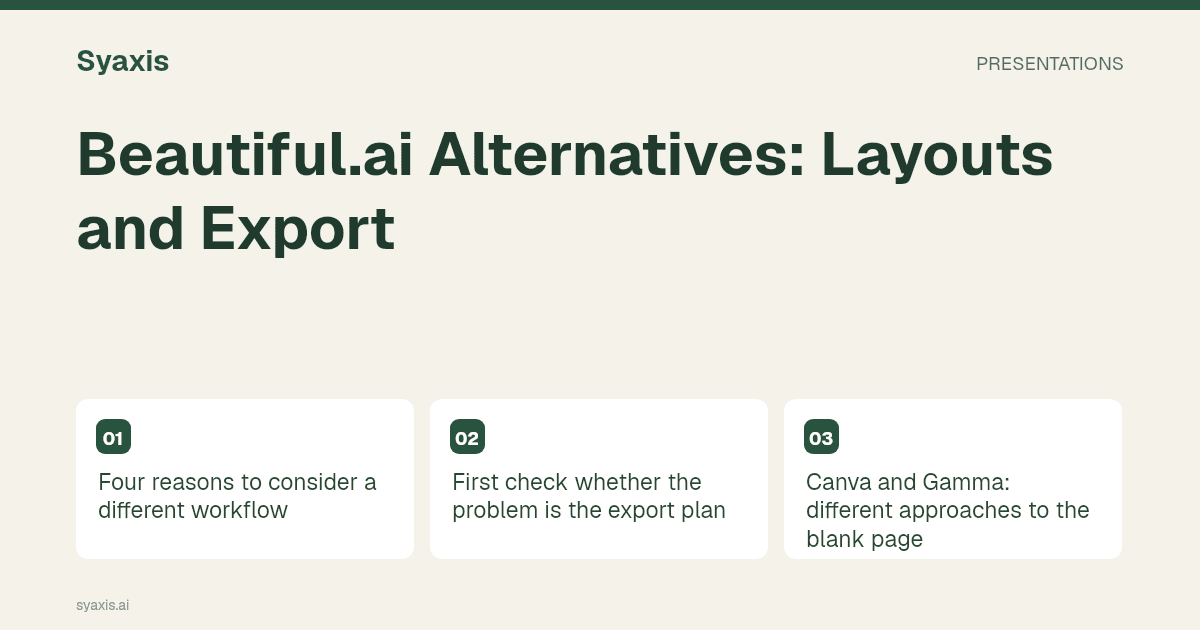
Four reasons to consider a different workflow
Choose a representative slide that is currently awkward to create. It might contain a nonstandard chart annotation, a long technical label, an irregular process or a client-required footer. Keep that content unchanged during the trial so a tool cannot appear better simply by removing the difficult information.
| Need | Candidate | Trade-off to examine |
|---|---|---|
| Work in an established slide template | Plus AI | Integration and template access versus another standalone editor |
| Broader visual-design deliverables | Canva | Manual design flexibility versus automatic slide structure |
| Browser-first narrative drafts | Gamma | Card-based authoring versus the final slide format |
| Research or data analysis before slides | Manus | Broader agent workflow versus a focused layout task |
| Chat revisions and multi-model access | Syaxis | Combined subscription value versus required deck volume |
First check whether the problem is the export plan
Beautiful.ai restricts editable PowerPoint export to specified paid subscriptions. If your current obstacle is access to that export, compare the appropriate paid plan with the alternatives rather than concluding that the product cannot deliver an editable deck.
A handoff trial should include text, notes, a chart and a dense comparison. Have the recipient make one ordinary edit to each. A file that opens successfully can still require extra work if the recipient expects to change its underlying data or reuse its structure.
When export is the only issue, changing tools may be unnecessary. When the issue is ongoing collaboration in a particular editor, the native-editor comparison is a better next step.
Canva and Gamma: different approaches to the blank page
Canva is a candidate when you need to coordinate slides with other designed material. An agency might want the same campaign concept in a presentation and a promotional graphic. Evaluate the time needed to adapt the concept across those deliverables.
Gamma belongs on the shortlist for drafting a narrative in a browser. For a presenter who values structured output but wants a different authoring experience, compare a short briefing rather than an elaborate template demonstration.
Layout freedom is not automatically better. If colleagues repeatedly misalign content or overload slides, a guided layout system may be doing valuable work. The Gamma vs Beautiful.ai comparison focuses on that trade-off.
Plus AI: when the working deck already exists
Plus AI is relevant to teams that already edit in PowerPoint or Google Slides. Instead of moving a complete deck to another workspace, the evaluation can begin with rewriting or adding a slide in the established environment.
Bring an actual approved template to the trial. A product’s own polished examples say little about how your mandatory footer, chart style or disclosure line will behave. If custom template support requires a different plan, include that in the comparison before committing.
For recurring management reporting, the destination editor may be more important than the first generated draft. A familiar manual adjustment can be preferable to a complicated export-and-reimport cycle.
Manus and Syaxis: when layout is only part of the task
Manus’s PowerPoint mode is an option for source and analysis work that ends in a deck. Specify the intended deliverable so a browser presentation is not mistaken for the file-based workflow you need.
Syaxis is relevant when your subscription also needs to support multi-model Chat and image creation. Presentations are built from a brief or sources and revised through chat; a separate Research surface is still forthcoming. Do not treat an upcoming surface as a current purchasing benefit.
For a recurring update, compare the total work required to prepare evidence, create slides, revise the main claim and deliver the file. Use the QBR example as a concrete brief, then compare plan allowances with the expected frequency.
Pertanyaan Umum
Which alternative gives more layout freedom?
A general design workspace or an established slide editor may offer the controls you need. Test the specific exception: more controls are useful only if they reduce the effort of producing your required slide.
Is Beautiful.ai unsuitable for editable PowerPoint delivery?
No. It documents editable PowerPoint export on Pro, Team and Enterprise subscriptions. The relevant questions are plan access, font handling and whether the exported elements support your recipient’s edits.
For the broader field, see AI presentation makers by workflow. If your priority is a client handoff, the client presentation guide helps define what the file needs to accomplish.
Arahan lebih jelas. Presentasi lebih kuat.
Bawa ide Anda ke Syaxis dan bentuk menjadi cerita, struktur, dan slide yang layak dibagikan.