A context window is the amount of information a model can consider in a request, measured in tokens. In a product, that space can include instructions, conversation history, document excerpts, tool results and room for an answer.
For the underlying concept, see the primary reference. The practical examples here explain how to review the work rather than describe every product implementation.
Understand the task and information available to the system.
Do not infer accuracy from a technical feature name.
Verify important claims against the original evidence.
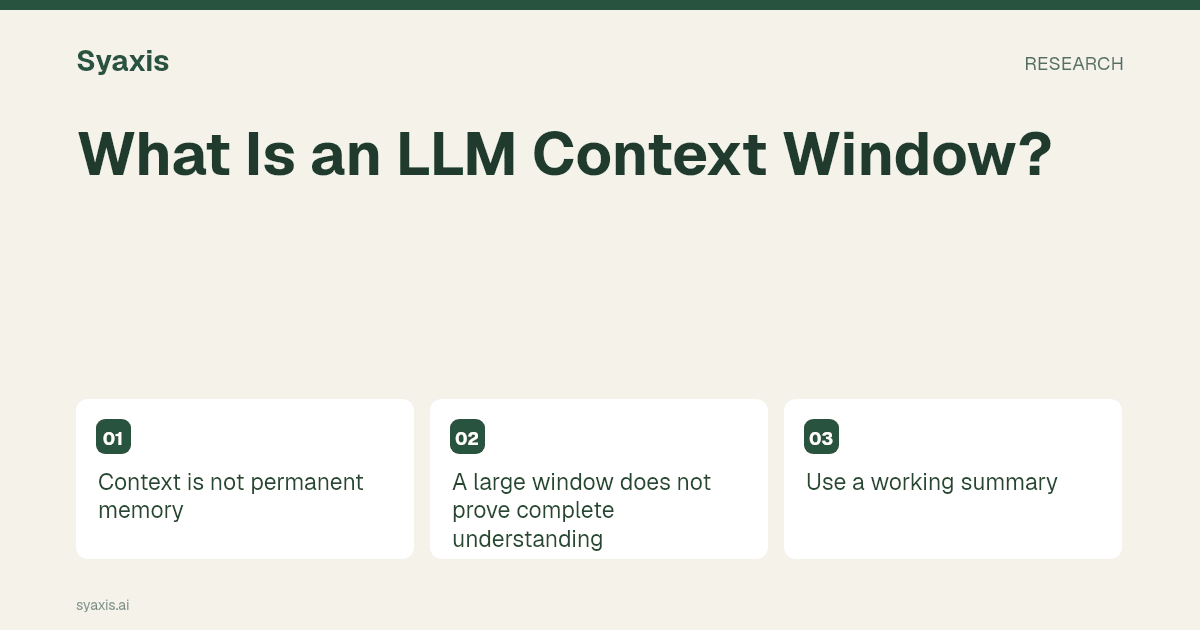
Context is not permanent memory
A model call receives the context the application supplies. A long conversation may be shortened, summarized or selectively retrieved, so an earlier detail is not guaranteed to remain available forever.
If a constraint matters, restate it in a short task recap instead of assuming it is still prominent.
A large window does not prove complete understanding
A document fitting within an input limit does not establish that every table, chart or qualification will be used correctly. Extraction quality and the question you ask also matter.
Verify answers against the original file, especially when the conclusion depends on a small footnote or a particular row.
Use a working summary
Keep the goal, accepted facts, open questions and current draft together. This helps when a task spans many turns or you switch models.
A summary should preserve uncertainty and source references, not merely compress the wording.
Check the product’s actual limits
Published model context capacity and an application’s allowed message or file size can differ. Check the product plan and current controls rather than assuming the full model capacity is exposed.
For a practical workflow, see chatting with PDFs and switching models.
Think of context as the material available for this turn
A context window limits the material a model can process in a request. That material can include instructions, conversation text, file excerpts and space needed for a response, depending on the implementation. It is not a promise of permanent memory, nor a guarantee that every detail in a long input will be used correctly.
Imagine a long project conversation where the first message says delivery is Tuesday and a later correction changes it to Thursday. If the final request contains an old summary but omits the correction, the model can produce a fluent outdated answer. Maintain a compact current brief with accepted facts, superseded decisions and unresolved questions. For important work, ask for the source supporting a claim rather than assuming that a large advertised window prevents omissions.
| Term | What it describes | What it does not guarantee |
|---|---|---|
| Context window | Input and response capacity under a model’s rules | Perfect use of every supplied detail |
| Conversation history | Messages retained by an application | That all messages enter every request |
| Retrieval | Selection of relevant source material | Complete reading of every document |
FAQ
Is a larger context window always better?
It can accommodate more material, but relevance, source organization and the app’s handling of history still matter. Evaluate whether the model uses the important information correctly.
For long conversations, use the model handoff method. For documents, compare PDF question design with retrieval-augmented generation to understand what material actually supports the answer.
Un brief plus clair. Une présentation plus forte.
Apportez vos idées à Syaxis et donnez-leur un récit, une structure et des diapositives à partager.