Multi-model chat lets you use different available models within a product’s conversation workflow. Its value is the ability to choose a useful next response without rebuilding the whole task in another app.
Define the recurring task before choosing a tool.
Distinguish model access, native features and plan limits.
Review the result against the original sources and goal.
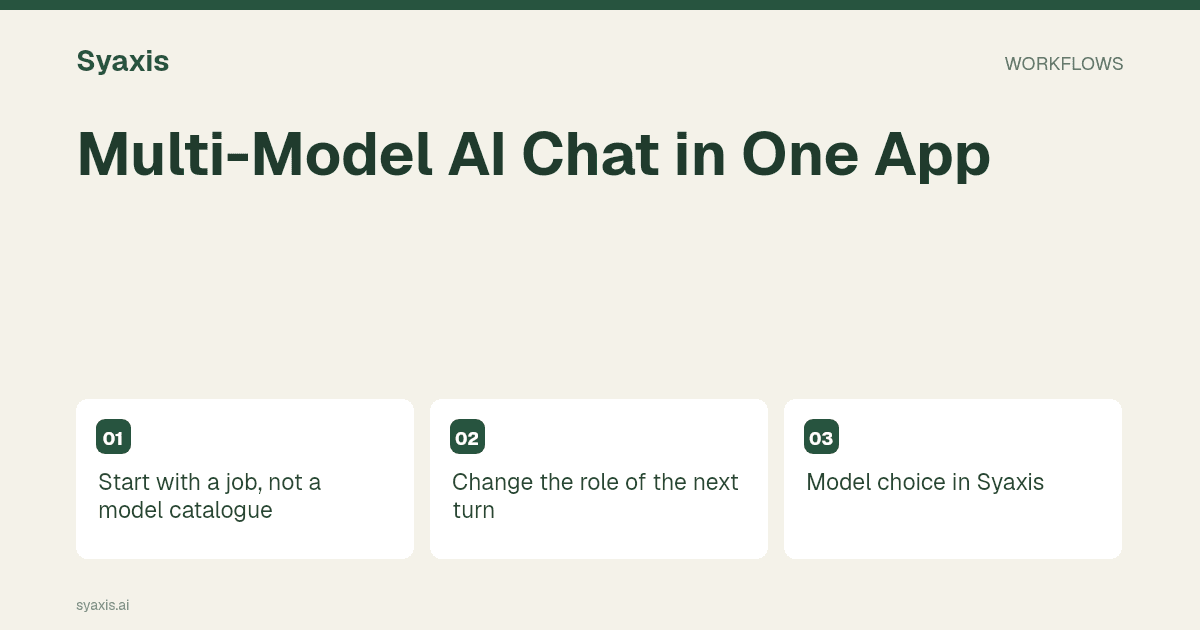
Start with a job, not a model catalogue
For a proposal, begin with the audience, source notes and decision. Ask for a short structure and identify the evidence still missing. A clear task makes later model changes meaningful.
Do not select a model because its provider won an unrelated benchmark. Evaluate whether its response helps with the next step in your work.
Poe’s documentation provides one example of an app built around interacting with different bots. The surrounding interface and allowances belong to that app; model variety alone does not establish shared memory or identical tools.
Change the role of the next turn
After drafting, ask a different available model to review the argument: “Find claims that are unsupported by these notes and questions the client may ask.” You are seeking a different review, not an automatic vote on truth.
Give a short recap if the conversation is long. Providers can differ in how much history, attachments and tool context a product passes to the next call.
Model choice in Syaxis
Free uses Auto. Eligible paid plans allow manual model selection in Chat. Presentation builds select models automatically; choosing a Chat model is not a promise that the same model builds every slide.
Chat, image creation and presentations share the product’s plan limits. Check the visible model list and current pricing rather than assuming every provider is always available.
Keep the result useful outside the conversation
Turn approved notes into a presentation brief or save the final explanation where your work belongs. A long thread is not always the best final deliverable.
Use the presentation workflow when the audience needs a deck, and keep the evidence separate from model opinions.
Keep the source packet stable when the model changes
A multi-model chat app is useful when you want a second approach without moving the whole task into another product. Treat that convenience as a workflow benefit, not proof that two models will agree or catch every error. The second answer still needs to be checked against the original source.
For a fictional product launch, keep a short source packet with the release date, eligible customers, approved benefits and unresolved questions. Ask one model to draft the announcement and another to identify unsupported promises. Accept a criticism only when you can connect it to the packet. In Syaxis, paid model choice applies to Chat; Free uses Auto, and deck builds select models independently. Compare credits and presentation allowances if you intend to use both surfaces.
| Conversation stage | What to carry forward | What to leave out |
|---|---|---|
| Draft | Audience and approved source facts | Unapproved claims from earlier suggestions |
| Review | Draft plus original constraints | A request to praise the first model |
| Final edit | Accepted corrections and intended format | Rejected alternatives that confuse the brief |
FAQ
Do two models checking each other guarantee accuracy?
No. They can repeat the same error or introduce new ones. Use the original evidence and a human decision-maker to resolve disagreements.
Use a clear handoff when switching models, then try ChatGPT and Claude as writer and reviewer. The platform comparison criteria help determine whether a combined workspace fits.
Un brief plus clair. Une présentation plus forte.
Apportez vos idées à Syaxis et donnez-leur un récit, une structure et des diapositives à partager.