An AI agent is commonly used to describe a system that can choose and use tools over several steps toward a task. The label alone does not tell you which actions it can take, what it can access or when you can review its work.
For the underlying concept, see the primary reference. The practical examples here explain how to review the work rather than describe every product implementation.
Understand the task and information available to the system.
Do not infer accuracy from a technical feature name.
Verify important claims against the original evidence.
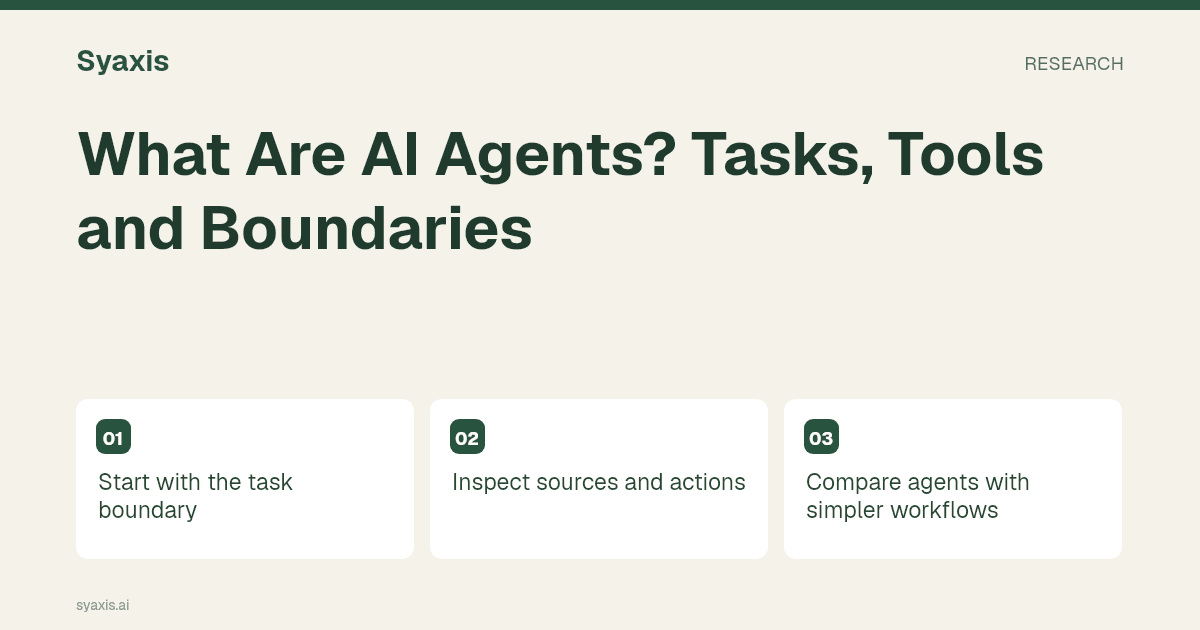
Start with the task boundary
A research task might involve searching, opening sources, extracting findings and preparing a deliverable. A file task might involve reading material and writing an output. The product decides which steps and tools are available.
Name the desired result and the actions that require review. A vague instruction to handle everything can leave important assumptions unstated.
Inspect sources and actions
For research, review the evidence trail. For files, inspect the actual output. For external actions, understand what the tool can change and where approval is needed.
An agent completing several steps does not guarantee that its conclusion is correct.
Compare agents with simpler workflows
If the task is a short rewrite, a direct chat request may be enough. If it requires several connected tools, an agent workflow may be useful.
Evaluate the result and the effort of supervision, not the sophistication of the label.
Keep product claims specific
Syaxis builds presentations from briefs and sources, with built-in research and chat-based revisions. Chat and image creation are current capabilities; a standalone Research surface is planned.
See research to presentation for a concrete workflow rather than assuming every agent-style feature is included.
Distinguish an answer from an action
An agentic workflow can choose intermediate steps and use tools while pursuing a task. The useful distinction is practical: a chat answer suggests what to do, while a tool-enabled workflow may retrieve a page, process a file or modify an artifact. The scope of those actions depends on the product and the permissions supplied.
For a fictional competitor briefing, an agent might search public pages, extract pricing statements, organize a comparison and draft slides. Each stage introduces a different failure possibility: outdated search results, a misunderstood billing period or an unsupported conclusion. Keep the task bounded, ask for sources and review the artifact before relying on it. Creating a deck is not authorization to send it to customers or publish it.
| Task step | Useful tool role | Human decision |
|---|---|---|
| Research | Retrieve relevant public sources | Which sources and claims are acceptable |
| Analysis | Organize observations and calculations | Whether the interpretation is justified |
| Creation | Draft the requested artifact | Whether it is ready for the intended audience |
| External action | Use a separately authorized integration | Whether to publish, send or commit |
Preguntas frecuentes
Does an AI agent operate without supervision?
Autonomy varies by product and task. Important claims and consequential external actions still need appropriate review and authorization; the word agent does not describe a universal level of reliability.
For a concrete artifact workflow, examine Manus slides and Manus vs Genspark. The research-to-presentation method keeps human evidence review visible throughout the task.
Un encargo más claro. Una presentación más sólida.
Trae tus ideas a Syaxis y dales una historia, una estructura y diapositivas que merezcan compartirse.