Gemini and ChatGPT both support more than text answers. To choose between them, compare a complete task in the product you can access: sources in, useful work out, followed by a realistic revision.
Choose the product surface before comparing model names.
Use identical source material and a repeatable revision.
Inspect evidence, output format, limits and data settings.
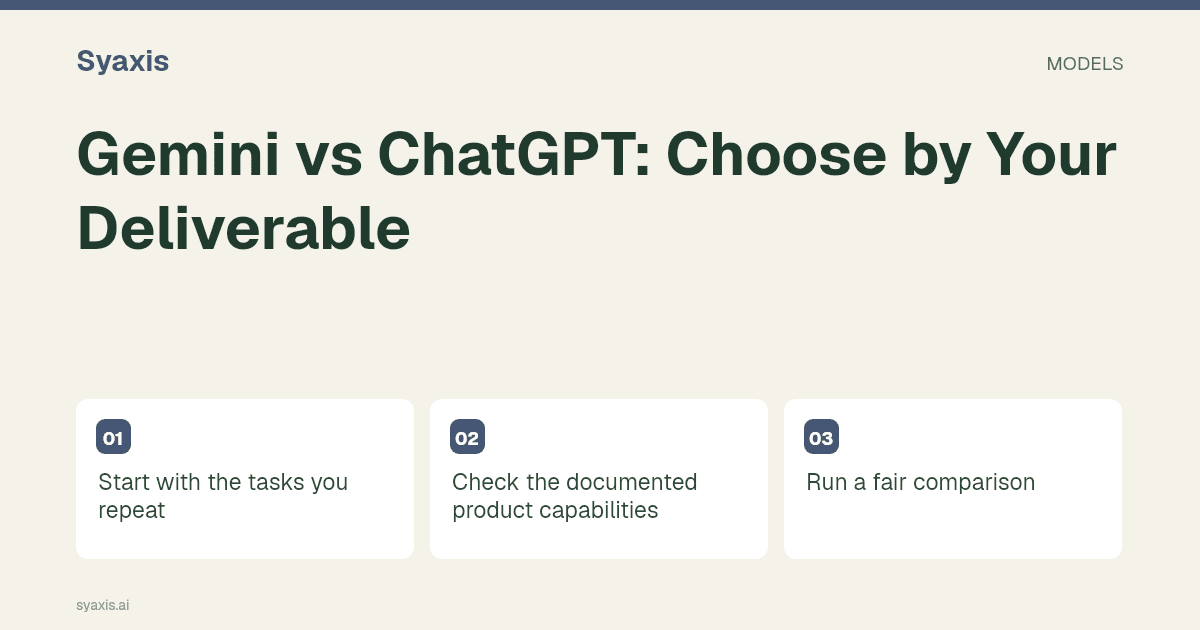
Start with the tasks you repeat
For presentation creation, check the documented workflow in each product. For everyday writing, compare how well the result preserves the source and meets your audience’s needs. Native integrations can change the practical experience without proving that one underlying model is universally better.
Check the documented product capabilities
Review Gemini documentation and ChatGPT documentation for the workflow you need. Features and entitlements can change; confirm availability in your own account before buying.
Keep consumer subscriptions, business plans and API model access separate. Syaxis currently does not offer the Gemini integration, even though external Gemini guides remain useful to readers comparing AI tools.
Run a fair comparison
Create a short management briefing from identical notes, then ask for a version for new employees. Inspect whether the technical simplification preserves the key qualifications and whether the output format fits your workflow.
Use the final editing environment as the tie-breaker
If a team’s review process ends in Google Slides, start by checking Gemini’s Canvas export. If the assignment is built around ChatGPT’s presentation tools or its PowerPoint workflow, evaluate that specific route. Both product families can be relevant to slide work; broad claims that only one can make presentations miss the distinction between an outline and the actual file workflow.
Use a six-slide fictional training brief with one source table. Keep the same audience and reading level, then ask for a three-slide executive version. Compare what each removes: the training exercise can go, but the table’s date and scope cannot. Finally, open the deliverable where it will be reviewed. A shorter draft is valuable only if the most important evidence and editing options survive.
| Question | Gemini route to examine | ChatGPT route to examine |
|---|---|---|
| Where will the team edit? | Canvas export to Google Slides | The presentation workflow available in your account |
| Can evidence survive compression? | Shorten the same source-led draft | Use the identical revision request |
| What access is included? | Personal or workspace entitlements | Plan and tool availability |
Preguntas frecuentes
Can I use Gemini through Syaxis?
Gemini is currently disabled in Syaxis. Evaluate Google’s own product if its native workflow is important to you; Syaxis offers its own presentation workflow and the models shown in its available Chat picker.
Use the Gemini slide guide or ChatGPT PowerPoint guide to run the handoff trial. Include Claude only if the three-product comparison reveals a relevant third workflow.
Un encargo más claro. Una presentación más sólida.
Trae tus ideas a Syaxis y dales una historia, una estructura y diapositivas que merezcan compartirse.