The clearest reason to choose Plus AI over Gamma is that the team wants to create and revise in PowerPoint or Google Slides. The clearest reason to consider Gamma is that the team is comfortable authoring in a browser workspace before sharing or exporting.
This is an editing-environment decision before it is an AI-quality contest. Both products need source review, and a stronger initial draft does not necessarily mean a smoother client handoff.
Creating in an editor differs from downloading a file for that editor.
Include administrator approval and template requirements.
Compare the plan that accepts your actual source material.
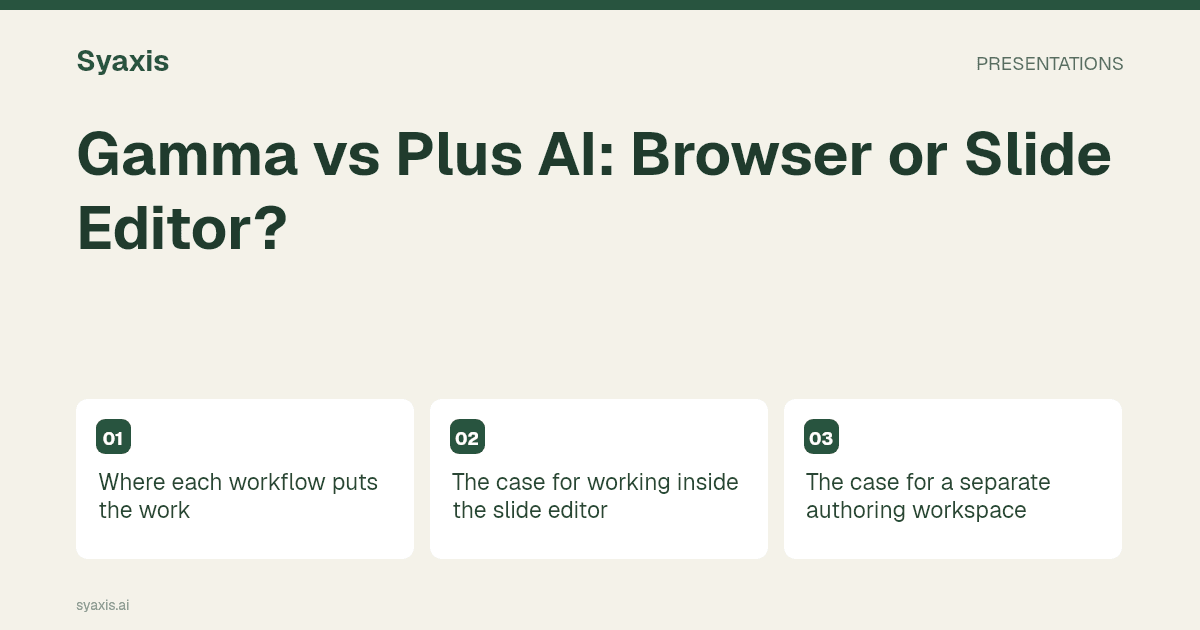
Where each workflow puts the work
A consultant updating an existing client deck should not run the same trial as a founder drafting a new pitch. Choose the scenario that represents your normal job.
| Task | Gamma trial | Plus AI trial |
|---|---|---|
| Start a new deck | Draft from a brief in the browser | Generate in the chosen supported surface |
| Update an existing client file | Assess import, revision and return to the client’s editor | Assess adding or rewriting slides in that editor |
| Maintain a mandatory template | Inspect the final exported layout | Verify support for the required branding or template tier |
| Use a long source document | Check the supported source workflow | Check document-upload access on the selected plan |
| Deliver for further editing | Open and revise the export | Confirm colleagues can continue editing in the same environment |
The case for working inside the slide editor
Plus AI documents integrations with Google Slides and PowerPoint. For a team that reviews decks there every week, the advantage to evaluate is avoiding an unnecessary change of working environment.
Bring a five-slide client template containing a title, a chart, a dense table, a process and a closing request. Generate or rewrite one slide, then ask a colleague to edit it manually. This exposes a mismatch between attractive standalone generation and the less glamorous task of maintaining an established deck.
Check whether your organization permits the add-in. If installation needs administrator approval, include that lead time. The trial should also distinguish ordinary branding controls from support for the client’s exact master slides.
The case for a separate authoring workspace
Gamma’s creation guide is relevant when the deck is new and the browser workspace can be the main authoring surface. You can evaluate the narrative and layout together before worrying about a client’s existing file.
A browser workflow may be suitable for a short proposal with a single owner. It becomes less straightforward when several people separately edit exported copies. Decide which version is authoritative and how feedback returns to it before adopting the tool across a team.
If the broader choice is between browser products, Gamma vs Canva and Gamma vs Beautiful.ai address different design priorities.
Use plan details that change the task
At the time of review, Plus AI’s pricing page lists Basic at $10 per user per month billed annually, or $15 monthly; Pro at $20 annually billed, or $25 monthly. Document uploads are listed under Pro. Prices are a dated USD reference, not a quote for every country or tax situation.
This means a short pasted-text trial may not represent the plan needed for a source-document workflow. Likewise, a requirement for custom templates should be evaluated against the specific offering that supports it.
Gamma’s plan page provides its current tier differences. Compare the same billing period, number of users and deck workload; do not present a per-seat annual price as the cost of a month-to-month team subscription.
The last edit is the deciding test
After the first draft, change one data value and ask for a shorter executive conclusion. Check whether you can make these changes without rebuilding the slide. Then send the file to the person who will present it and ask them to change a heading.
That small exercise measures an operational requirement: can the deck remain useful after the AI session ends? Keep any observed findings specific to the versions and files you actually tried. This documentation-based comparison does not claim either tool wins that test.
Syaxis offers another approach when presentations, chat revisions and multi-model Chat need to share a subscription. It exports PowerPoint but is not a PowerPoint add-in. Keep that distinction visible when building a shortlist.
Häufig gestellte Fragen
Is Gamma a PowerPoint add-in?
The workflow compared here creates in Gamma and exports a file. That differs from generating or revising inside PowerPoint with an integration.
Does Plus AI require an existing slide app?
Its documentation also describes a browser entry point. Select the surface you intend to use, then compare that workflow rather than assuming every Plus AI experience is identical.
For a broader view of integrations, see SlidesAI alternatives. For the actual deck brief, use the consulting slide deck guide.
Ein klareres Briefing. Eine stärkere Präsentation.
Bring deine Gedanken in Syaxis und gib ihnen eine Geschichte, eine Struktur und Folien, die du gerne teilst.