Before choosing a SlidesAI alternative, identify which SlidesAI surface you mean. Its documentation includes a web platform, Google Slides and PowerPoint integrations, and a ChatGPT entry point. Advice based only on the older Google Slides add-on can send you toward a replacement that solves no current problem.
The strongest shortlist starts with one of three needs: improve an existing slide workflow, move to a standalone presentation workspace, or connect deck creation with source analysis and other AI tasks.
Compare the exact creation surface, not just the product name.
Test insertion into an existing deck when that is the real job.
Count source-upload and branding requirements before choosing a plan.
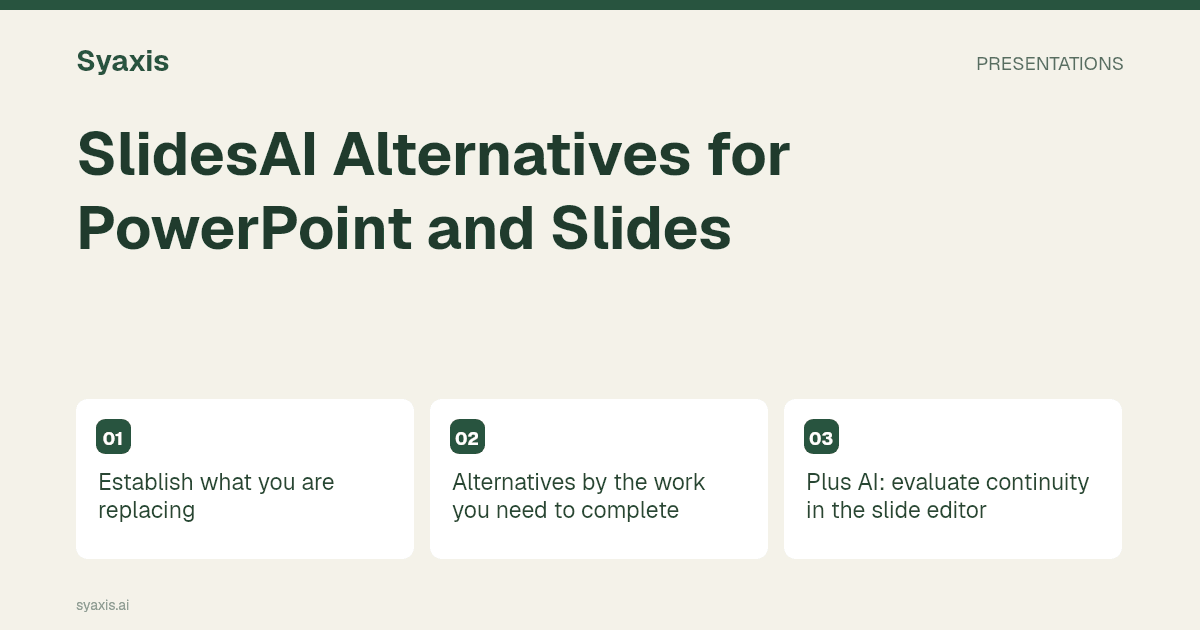
Establish what you are replacing
The current SlidesAI overview describes its supported surfaces and outputs. Write down your actual bottleneck: source length, editing controls, team access, template compatibility or the effort of revising a generated slide. A generic “better slides” requirement is difficult to evaluate.
If an organization blocks an add-in, another add-in may face the same restriction. A browser workflow might be practical, but only if your organization also permits sending the source material to that service. An integration problem and a content problem need different solutions.
Alternatives by the work you need to complete
The following candidates are not ordered by a universal quality score. Each represents a different place to do the work.
| Candidate | Consider it for | A useful trial |
|---|---|---|
| Plus AI | An existing PowerPoint or Google Slides workflow | Insert a slide beside an approved template slide |
| Gamma | A standalone browser presentation | Turn a short brief into a deck and review the downloaded file |
| Canva | Slides alongside other designed assets | Create a presentation and matching campaign graphic |
| Beautiful.ai | Repeated structured slide layouts | Rebuild a dense comparison without dropping content |
| Syaxis | Presentations, Chat and images together | Create from notes, revise the argument and prepare a supporting visual |
Plus AI: evaluate continuity in the slide editor
Plus AI’s getting-started guide covers its editor integrations. Its plans distinguish requirements such as source-document uploads and branding. This matters when a seemingly simple text-to-slides test later becomes a report-to-deck workflow.
Use a deck with existing content. Ask for one additional slide that introduces a new recommendation while matching the meaning and density of the surrounding material. Then manually change its wording and chart label. You are testing whether AI fits the team’s editing habits, not just whether it can fill a blank file.
For the underlying authoring-versus-export decision, see Gamma vs Plus AI.
Standalone alternatives: what changes in the handoff?
Gamma offers a free entry plan, which makes it possible to inspect its presentation workflow before choosing a paid tier. Compare the downloadable result and the current branding rules with your actual delivery requirements.
Canva is more relevant when slides belong to a larger design assignment. Beautiful.ai is worth considering for repeatable structured business layouts. Neither choice should be made solely from the appearance of a template gallery.
A team switching out of Google Slides should agree on who owns the editable source after the move. Otherwise, one person may work in the new browser editor while the rest edit an exported copy, creating two conflicting versions.
When a broader AI subscription is useful
Syaxis combines presentation creation with Chat and image generation. For an educator, consultant or small team, this can cover the questions around the deck as well as the deck itself. Paid plans support model selection; Free uses Auto and marked presentation exports.
Try a real workflow: provide notes, generate a short deck, ask for one specific argument change, then request a supporting image in Chat. Compare the presentation and credit allowances with that complete task. An attractive subscription price is not useful if the allowed deck volume is below your normal workload.
The multi-model platform guide explains the difference between accessing models in one workspace and buying each provider’s native application. Keep that distinction in your purchasing decision.
الأسئلة الشائعة
Is SlidesAI only a Google Slides add-on?
No. Its current documentation lists a web platform and other entry points, including PowerPoint. Confirm which surface and plan you are evaluating before comparing alternatives.
Which alternative works best with an existing deck?
Start with products that operate in the editor your team already uses. Test a new slide within the existing file, including template requirements and ordinary manual revisions.
For tool selection beyond SlidesAI, read best AI presentation makers. For the source material itself, use the presentation outline guide.
طلب أوضح. عرض تقديمي أقوى.
أحضر أفكارك إلى Syaxis وامنحها قصة وبنية وشرائح تستحق المشاركة.