Perplexity can support the evidence-gathering stage of a presentation, while its broader file-creation offerings make the selected mode and subscription important. A cited answer is useful source preparation; it is not automatically the finished deck your audience expects.
The workflow below starts with a bounded research question and turns verified findings into a presentation brief. Use the file-creation capability available to your account when it meets the delivery requirement, or move the verified brief to a dedicated presentation tool.
Define the research question and source standard.
Open the original sources behind important claims.
Confirm the actual deliverable and plan access.
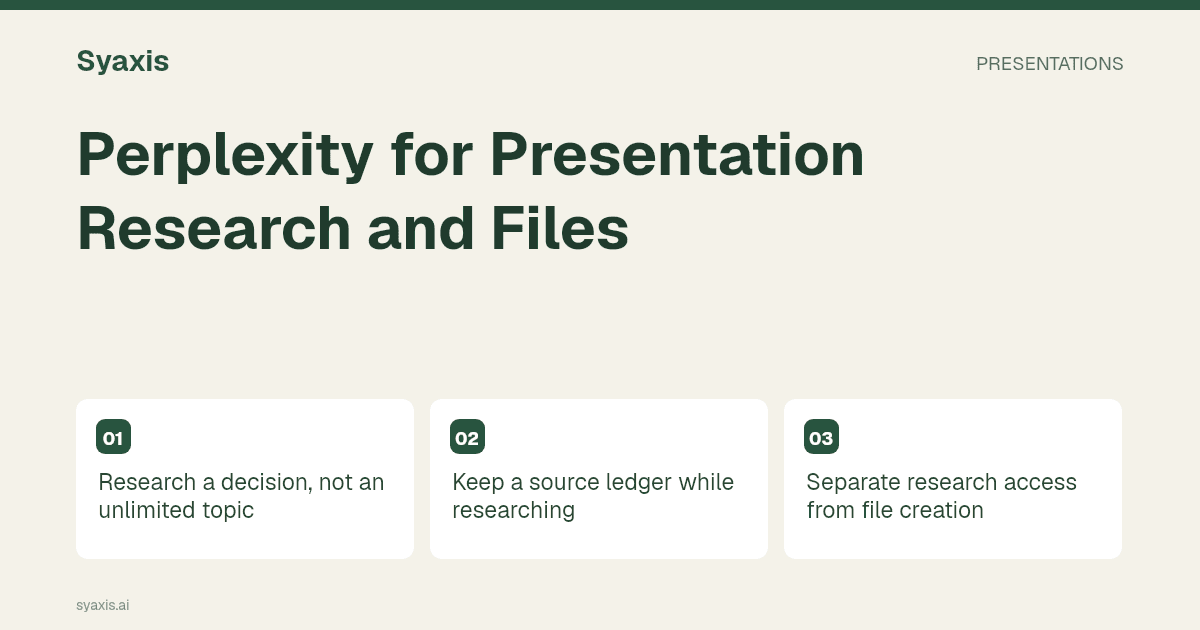
Research a decision, not an unlimited topic
Instead of “research remote work,” ask a narrower question with a defined audience and time frame. For example: “What evidence would a small team need before piloting a different meeting schedule?” The research should help identify options and uncertainty, not collect every available statistic.
Ask for primary sources, publication dates and evidence that complicates the initial hypothesis. A source that is recent but irrelevant to the team’s context may be less useful than an older source whose scope is clearly understood.
Keep a source ledger while researching
Create a short record for each claim you may put on a slide. Include the source URL, relevant passage, publication date and limitation. Open the source rather than relying only on the assistant’s summary.
| Field | What to record |
|---|---|
| Candidate claim | The exact statement you may present |
| Original source | The publisher and stable source link |
| Evidence | The passage, table or finding that supports the statement |
| Boundary | Population, period, method or uncertainty |
| Slide use | Background, finding, comparison or open question |
Separate research access from file creation
Perplexity’s plan comparison distinguishes research and file/app creation access. Choose the specific capability required for the assignment and confirm its current limits. A plan suitable for answering questions may not provide the same creation workflow as another tier.
Do not assume that a feature described in a ranking page or a general product announcement is available in your own account. Inspect the actual creation option and output before promising a particular file format to a colleague.
Turn the evidence into a presentation
Once the sources are checked, write the story in your own terms: decision, context, relevant findings, alternatives and next step. Remove facts that are interesting but do not help the audience assess the decision. Keep source qualifications attached to the claims they affect.
Prompt: “Using this verified source ledger, propose a six-slide decision briefing. Distinguish established findings from context-dependent evidence. Include one conflicting finding and explain the question it leaves open. Do not add unsourced numerical claims.”
The research presentation example shows how a method and limitation can remain visible in the final story.
Choose the final presentation workflow
If the creation mode available in Perplexity produces the deliverable you need, review that output as a deck: sequence, readable labels, source notes and the actual downloaded file. If it does not, use the approved outline and source material in another presentation workflow.
Syaxis can build a deck from a brief and sources and revise it through chat. Research is included in deck creation; a separate Research surface is forthcoming. Importing research into the workflow does not transfer a Perplexity subscription or guarantee that all earlier citations remain correct.
Check the compression from research to slides
Research answers often contain more nuance than a slide title. Compare each final headline with the source ledger. Watch for an association becoming a cause, a small study becoming a universal claim or an estimate losing its uncertainty.
For a comparison with general chat assistance, see Perplexity vs ChatGPT. For choosing tools by research task, use AI research tools.
الأسئلة الشائعة
Can I use Perplexity only for presentation research?
Yes. Verify the source material, then use the resulting brief in the presentation tool that fits your delivery requirements.
Do citations make a presentation trustworthy automatically?
No. A citation must support the specific claim and its scope. Open the original source and preserve its limitations when compressing the finding into a slide.
Use the source-verification checklist before sharing the finished presentation.
طلب أوضح. عرض تقديمي أقوى.
أحضر أفكارك إلى Syaxis وامنحها قصة وبنية وشرائح تستحق المشاركة.